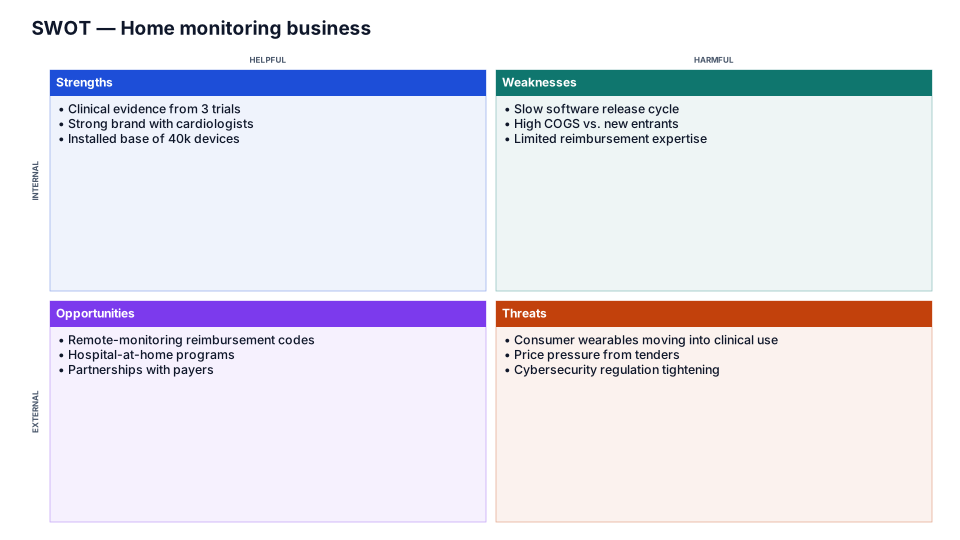
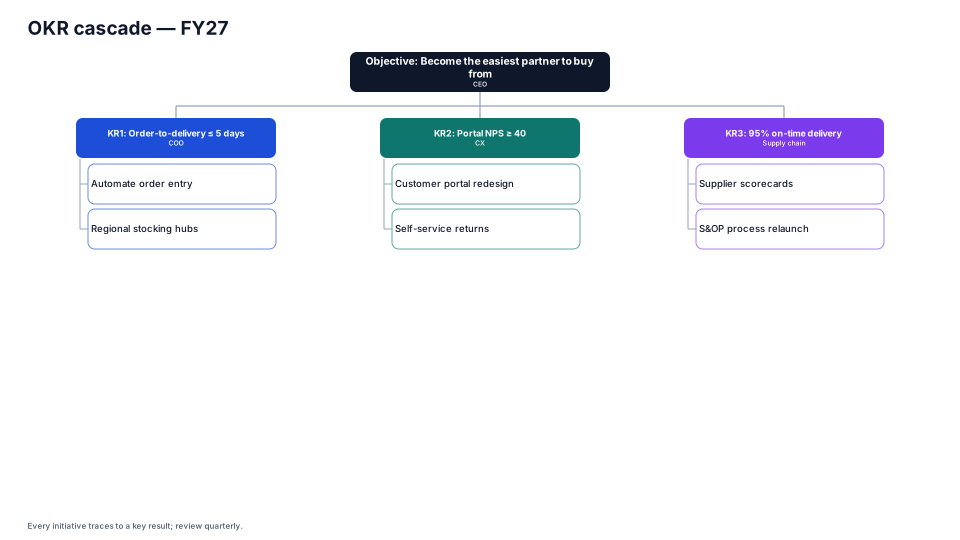
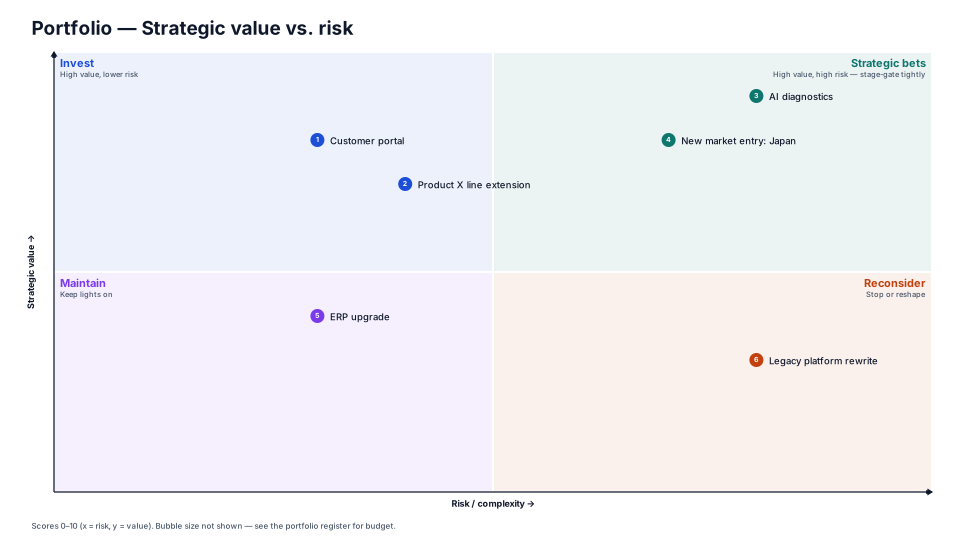
Benefits Map template for PowerPoint
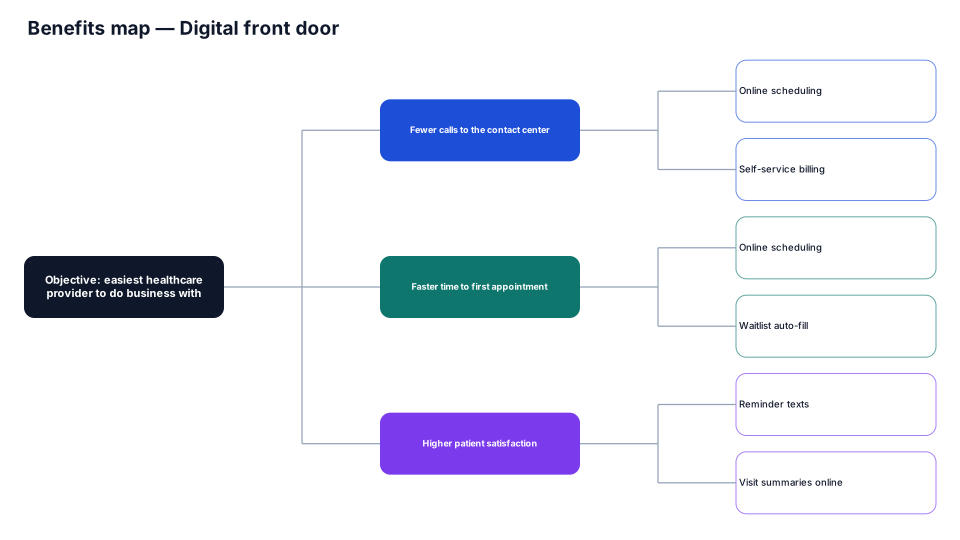
From the objective to the benefits that deliver it and the projects or capabilities that enable each benefit.
When to use it
Showing how projects and capabilities deliver the benefits behind an objective.
How to use it in PMO Pilot
- Write the objective at the root (Edit content → Headline).
- Add benefits, then the enablers under each (⋯ → Add branch).
- Check every project traces to at least one benefit.
Best for
Portfolio managers, Sponsors, Business analysts.