IPS Work Plan (workstreams only) template for PowerPoint
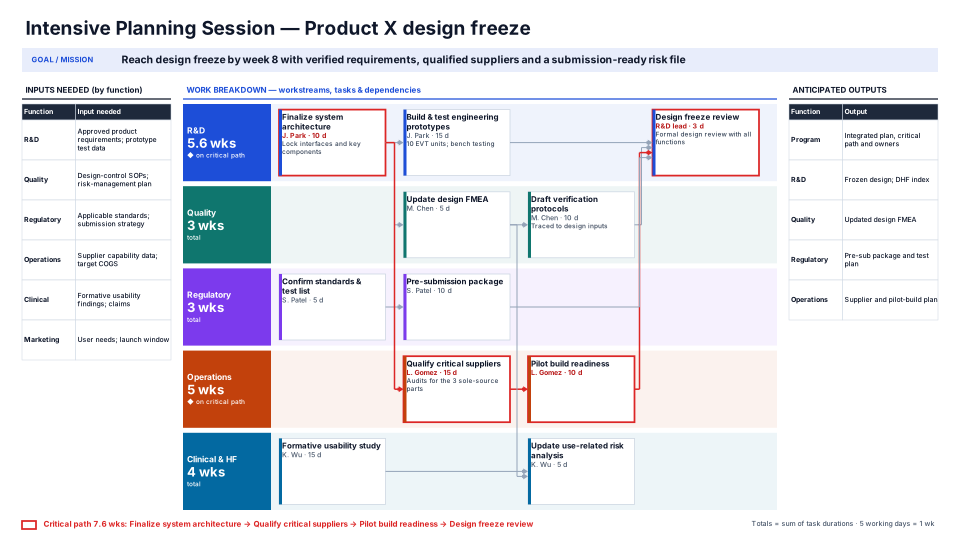
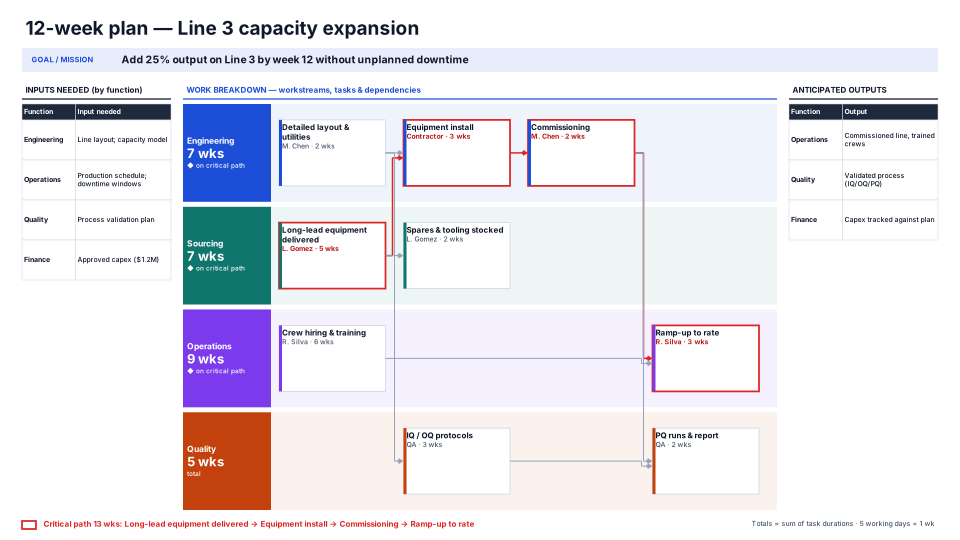
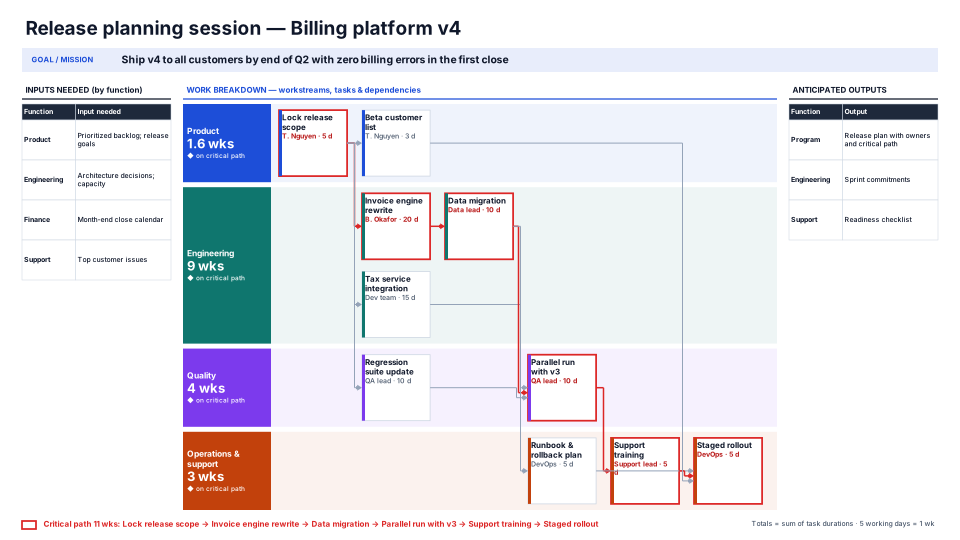
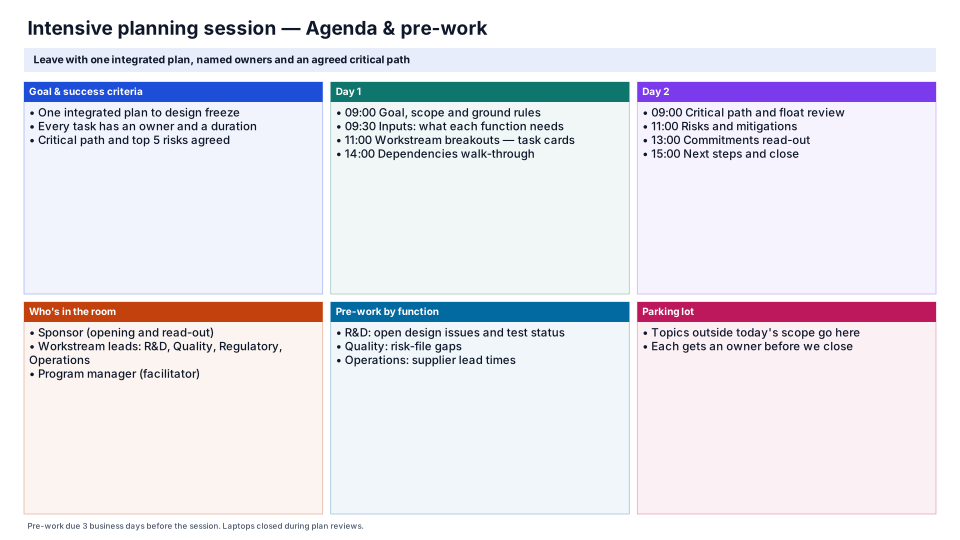
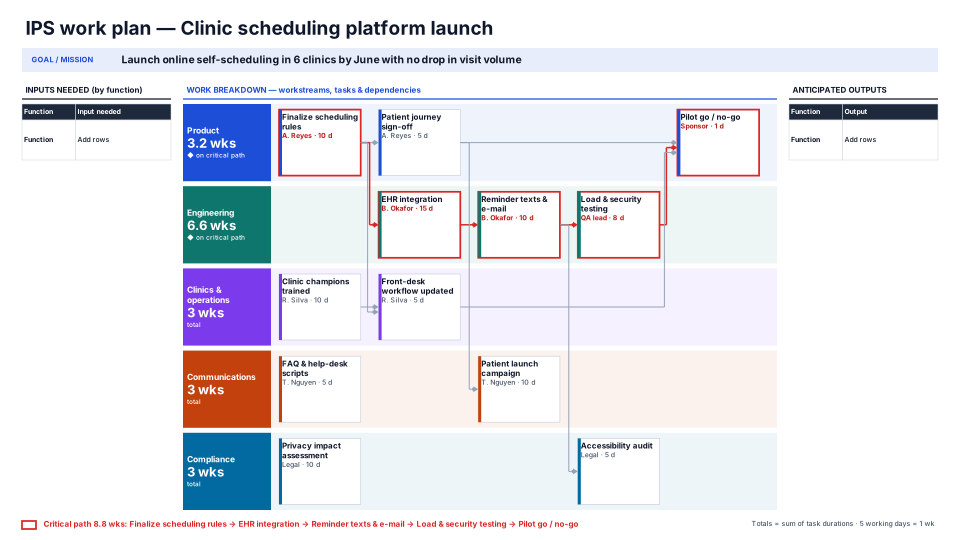
The IPS board without the inputs and outputs panels: more room for workstreams, task cards, owners, durations and the critical path.
When to use it
An IPS when inputs and outputs are already agreed: all the room goes to workstreams and task cards.
How to use it in PMO Pilot
- Insert sample, or Fill with AI from notes… with the session's task list.
- Edit cards on the slide: task, then “Owner · 10 d”.
- After changing durations, press Recalculate totals & critical path.
Tip: A task starts after the previous card in its workstream unless you pick something else under Starts after.
Best for
Program managers, Core teams, Workshop facilitators.