IPS Board (Intensive Planning Session) template for PowerPoint
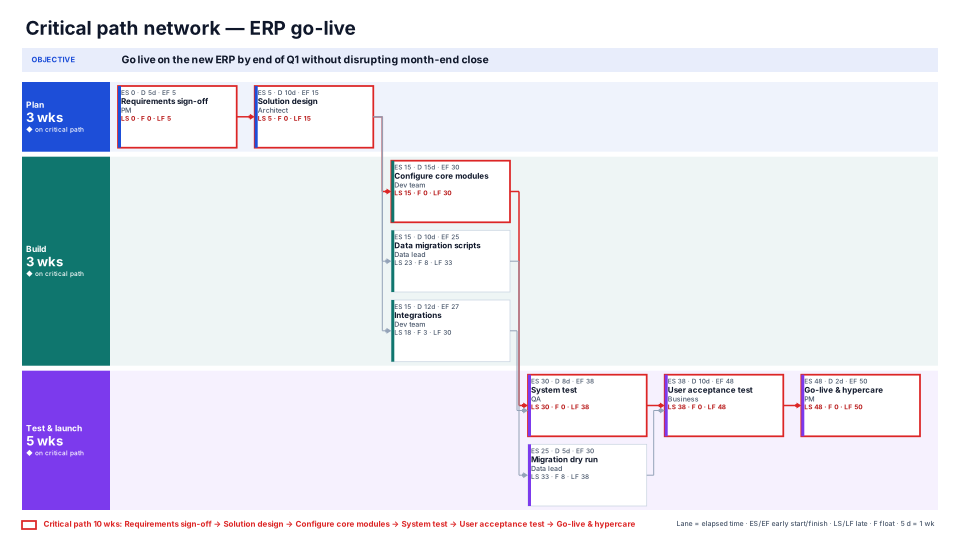
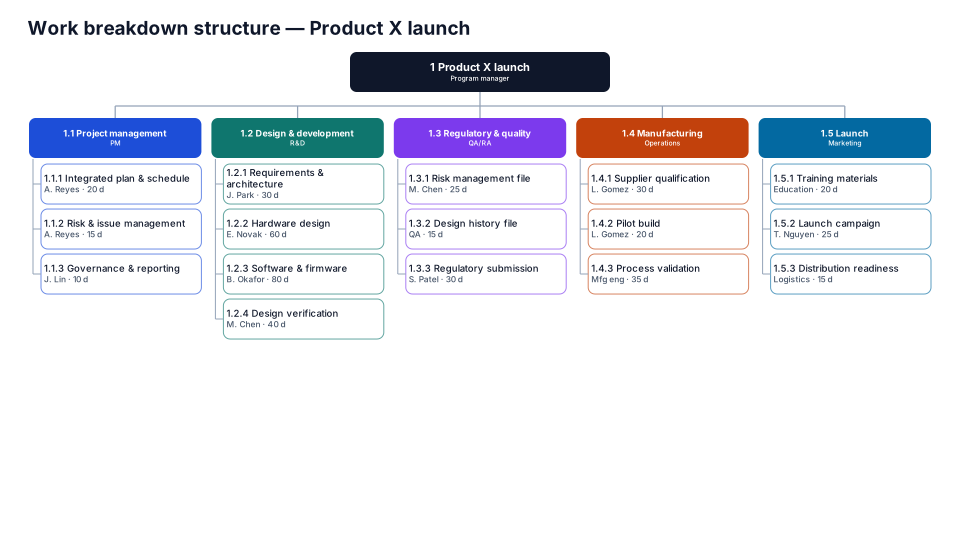
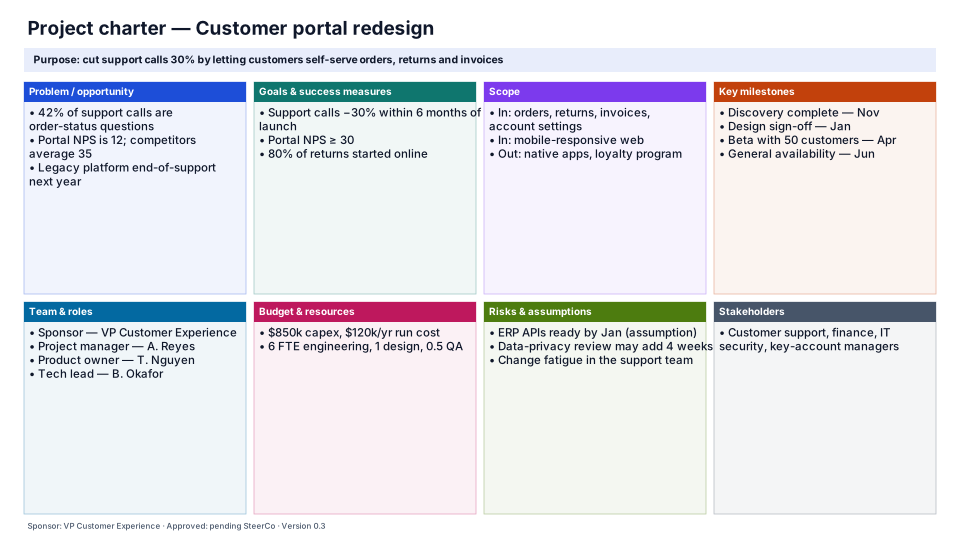
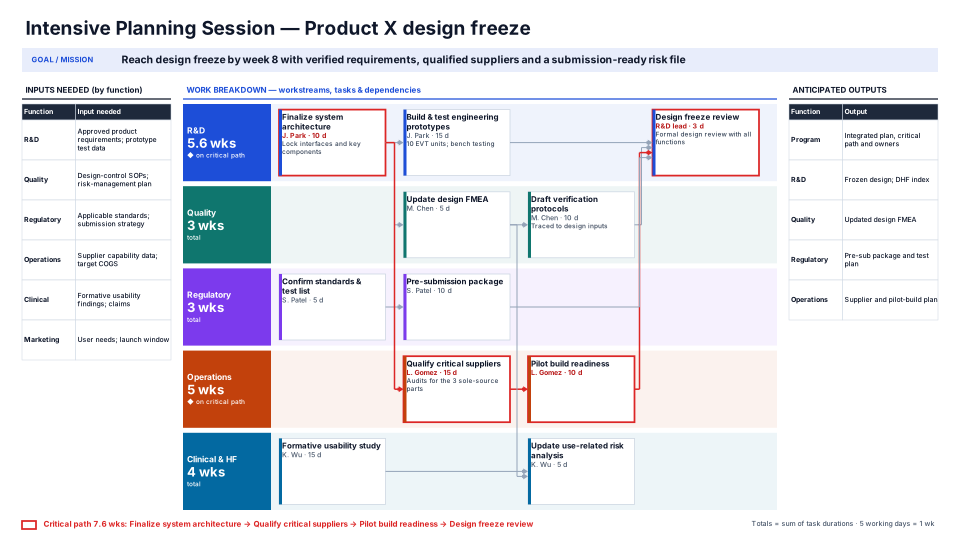
Goal, inputs by function, workstreams of task cards with owners and durations, totals per workstream, critical path, outputs.
When to use it
Running an Intensive Planning Session: agree the goal, the inputs each function needs, and who does what by when.
How to use it in PMO Pilot
- Insert sample, or Fill from my notes… with the workshop notes.
- Edit cards on the slide: task, then “Owner · 10 d”, then a short description.
- Press Recalculate totals & critical path — workstream totals (weeks) and the red critical path update; your layout stays.
- Use Edit content to add tasks or dependencies (“| after A1”), then Redraw.
Tip: 5 working days = 1 week. Dependencies that aren't the previous card in the same workstream need “after ID”.
Best for
Program managers, Core teams, Workshop facilitators.