Free Gantt chart templates for PowerPoint
Ready-made Gantt chart templates as editable .pptx files. Download one, open it in PowerPoint and change the tasks and dates, or put your own plan into the free Gantt chart maker and download that instead.
-
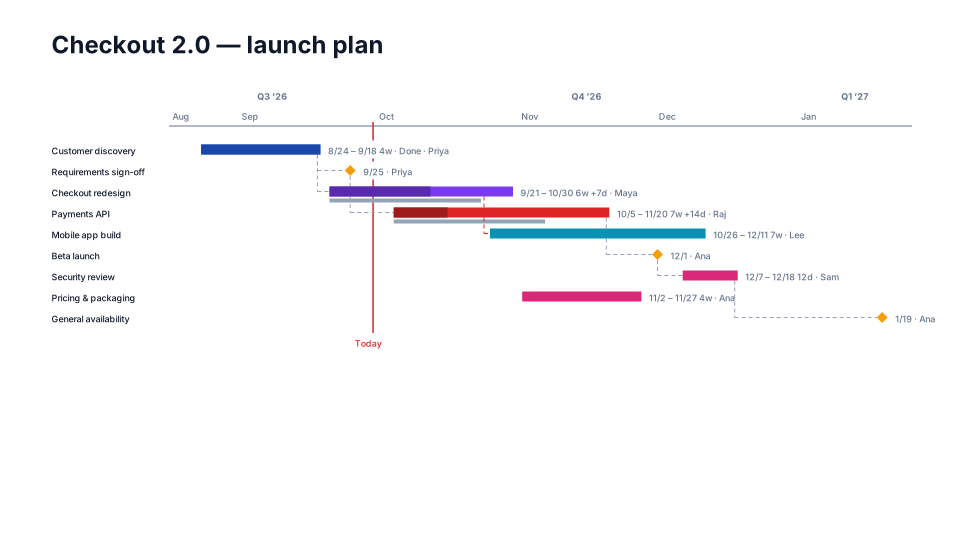
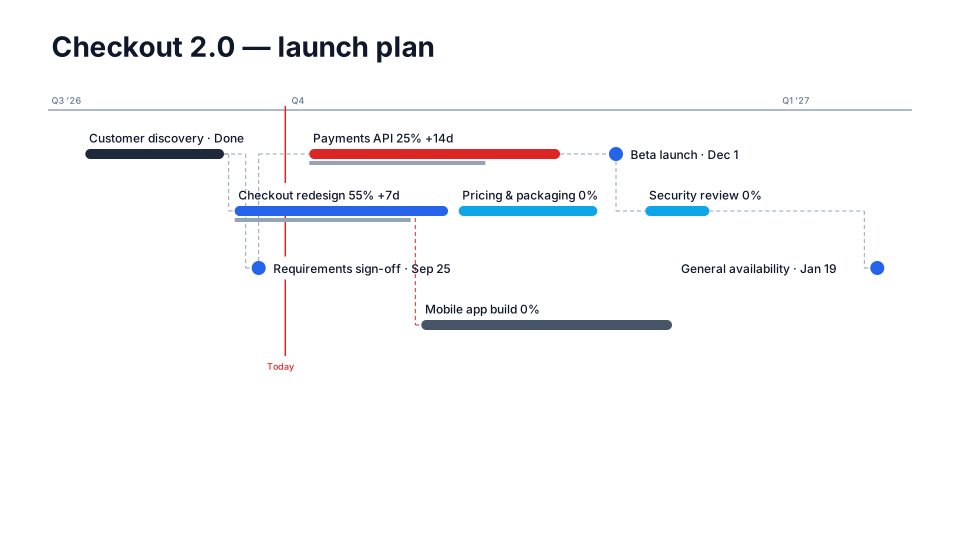
Detailed Gantt
One task per row with a name column, dates, duration and % complete. For PMs.
Download (.pptx, free) Use it with my dates
15 KB · native PowerPoint shapes · when to use it
-
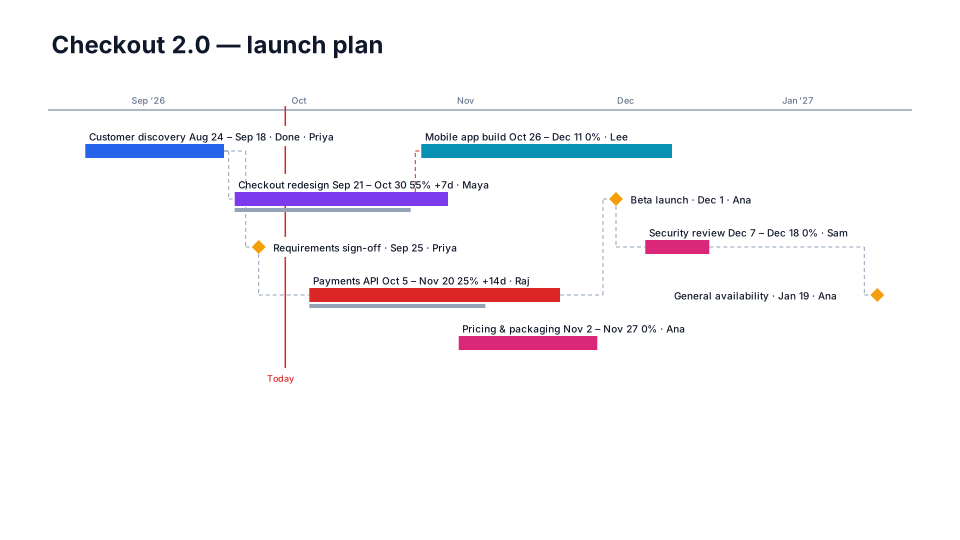
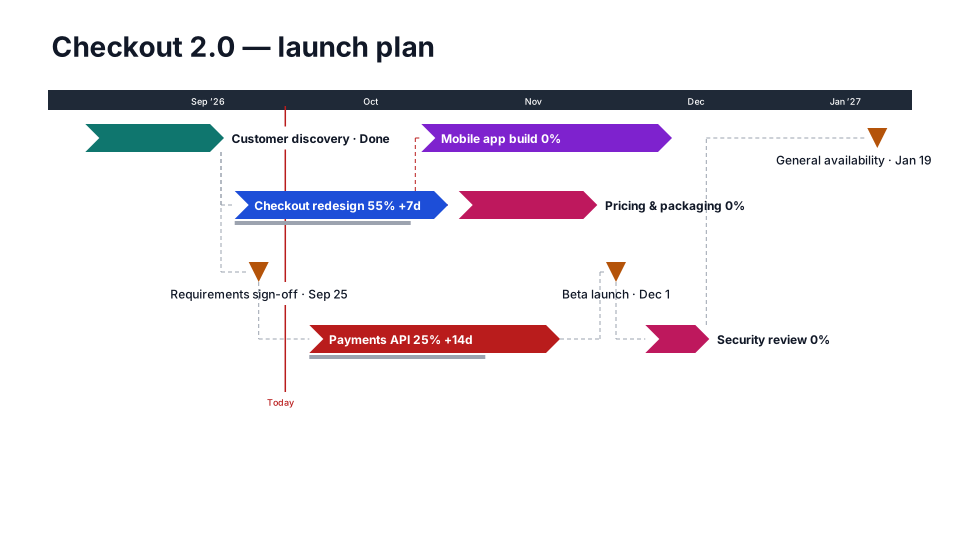
Classic
The default look: clean bars, labels above, month scale.
Download (.pptx, free) Use it with my dates
15 KB · native PowerPoint shapes · when to use it
-
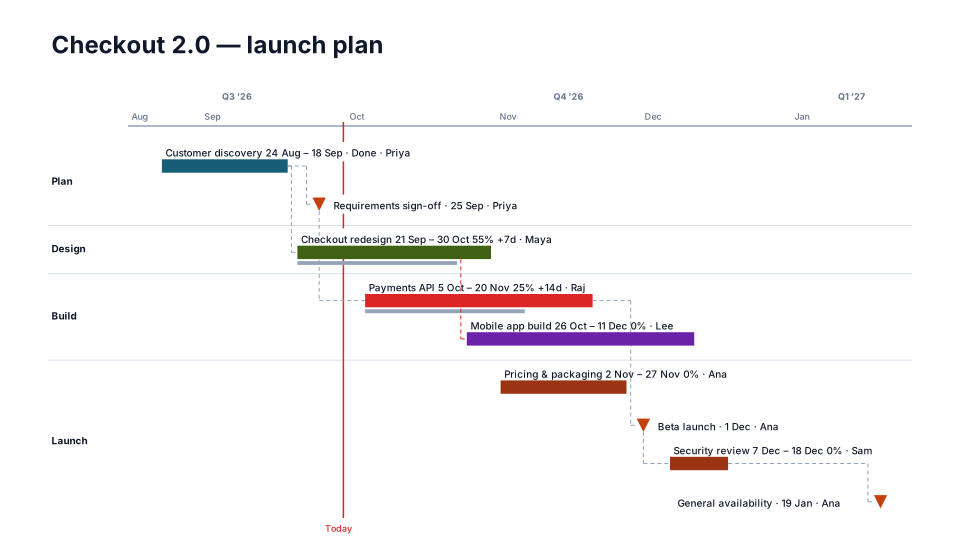
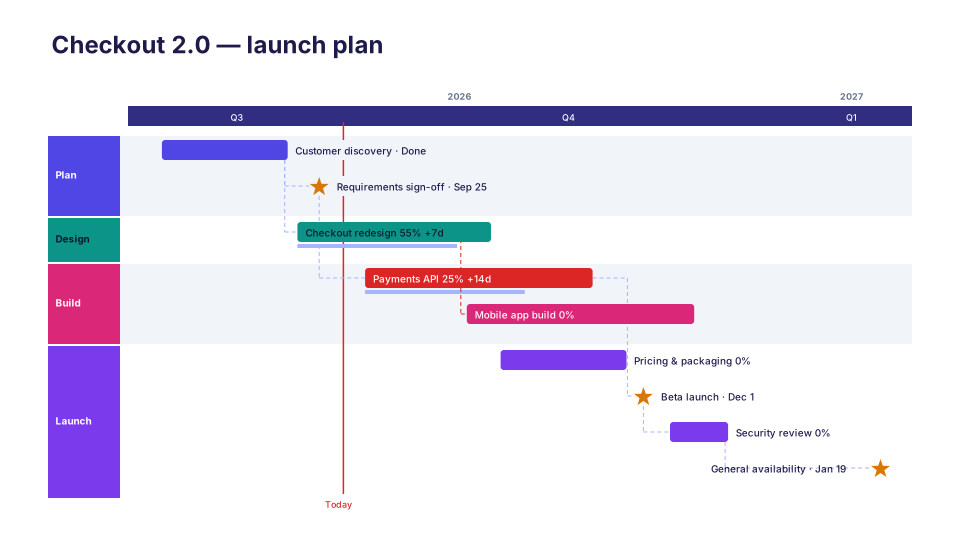
Implementation Plan
Workstream lanes with dates and owners on every bar — the working plan clients sign off.
Download (.pptx, free) Use it with my dates
14 KB · native PowerPoint shapes · when to use it
-
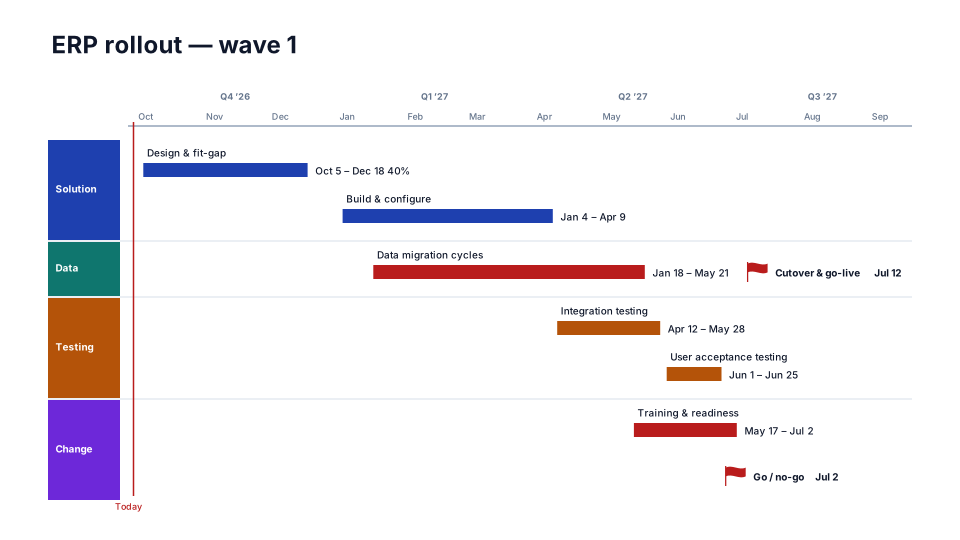
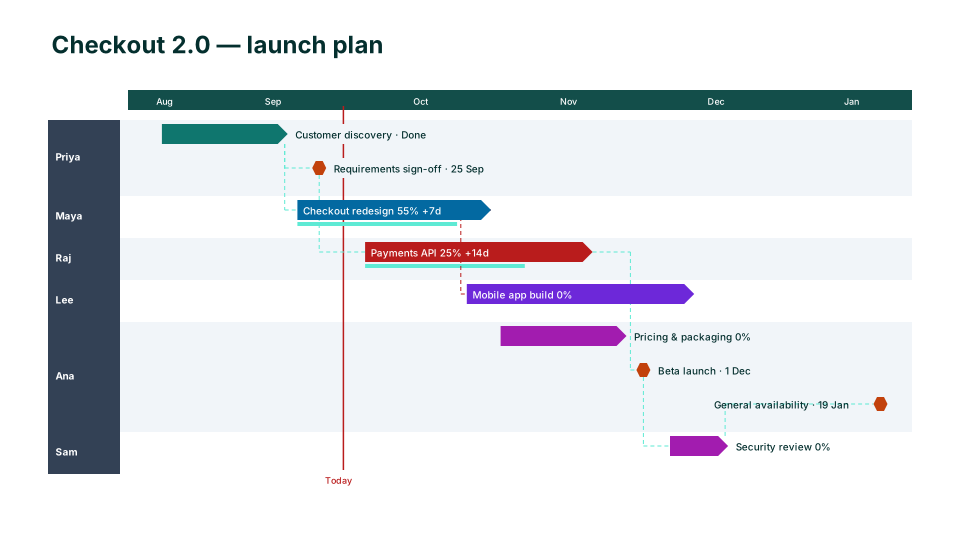
ERP Rollout
System implementation by workstream: design, build, data migration, testing and training up to go-live.
Download (.pptx, free) Use it with my dates
14 KB · native PowerPoint shapes · when to use it
How to use a Gantt chart template
- Download a template and open it in PowerPoint (or Keynote, Google Slides).
- Click any label to change its text, including the dates. Drag or stretch a bar to match your schedule.
- Copy a bar with its labels to add a task, and delete the rows you don't need.
- Faster with real dates: put your tasks into the Gantt chart maker and the bars are placed for you.
Questions
Are these Gantt chart templates free?
Yes. Every template downloads as a .pptx file with no sign-up. Each slide has one small “Made with PMO Pilot” text box in the corner that you can delete.
Are the templates editable?
Yes. Every bar, milestone, label and line is a native PowerPoint shape, not a picture, so you can change text, colors, fonts and positions like anything else on a slide.
How do I put my own dates in?
Either edit the slide by hand, or use the free Gantt chart maker on this site: type or paste your tasks, pick the same look and download a slide drawn from your dates.
Can a Gantt chart update itself when dates change?
Not a downloaded template. The PMO Pilot add-in for PowerPoint can: change a date and it redraws the chart on the slide, keeping the edits you made by hand.
Want this from messy notes, with updates that keep your edits?
PMO Pilot works inside PowerPoint: paste status notes, an email or an Excel plan, and when dates change it updates the slide without undoing your tweaks. 80 looks and 53 program diagrams.
More timeline and project templates
All 133 templates, each a free .pptx download. Or make a slide from your own plan with the timeline maker.