Classic timeline for PowerPoint
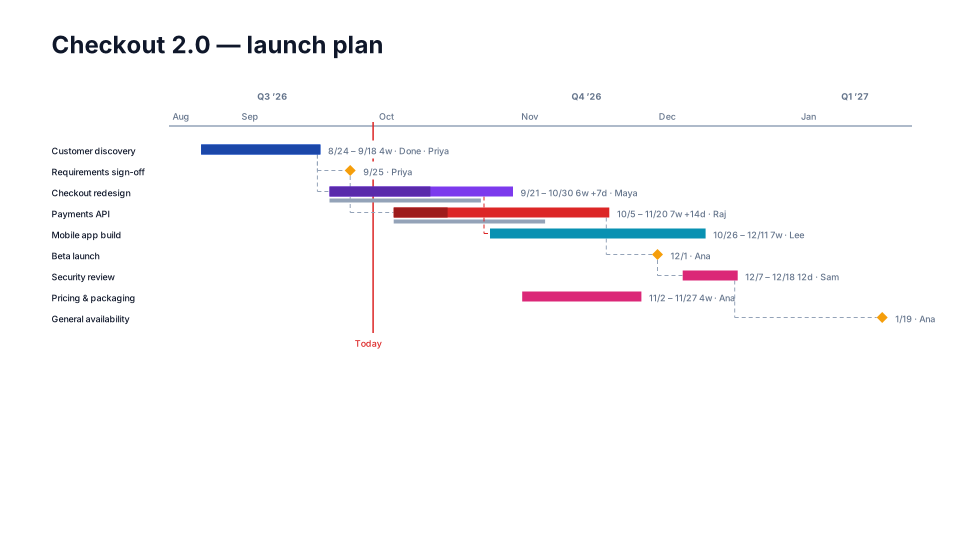
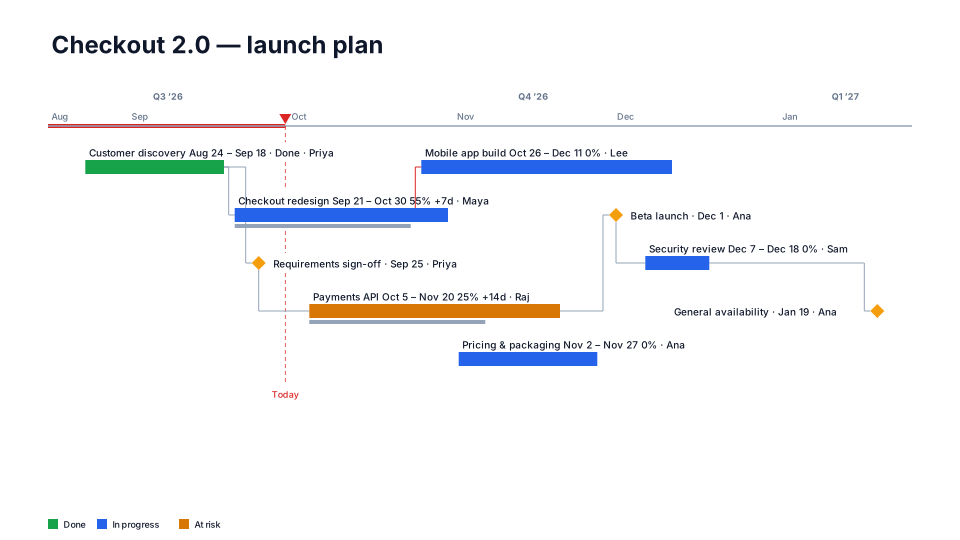
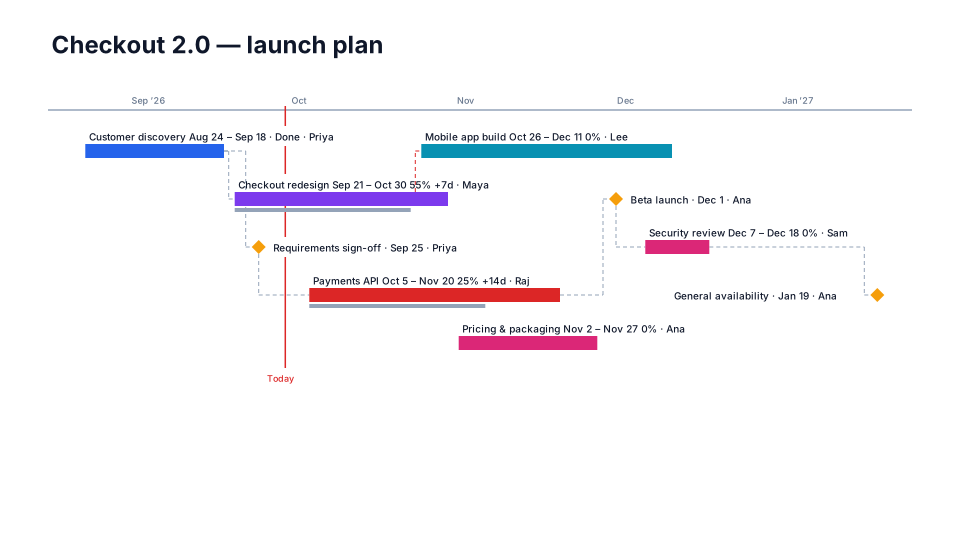
The default look: clean bars, labels above, month scale.
When to use it
A safe default for any project update when you don't know the audience yet.
How to use it in PMO Pilot
- Create the timeline from notes or a spreadsheet.
- Pick Classic, then adjust Timescale & dates if the range looks tight.
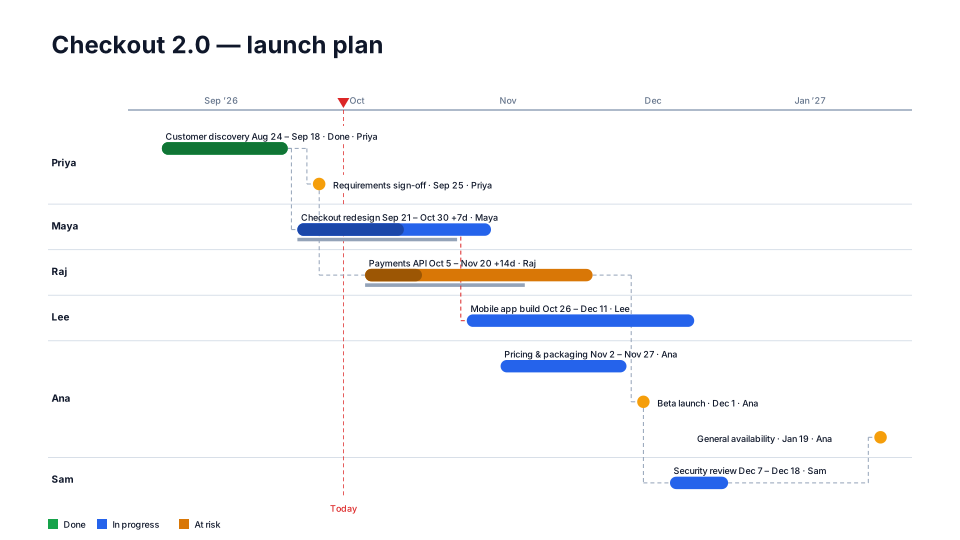
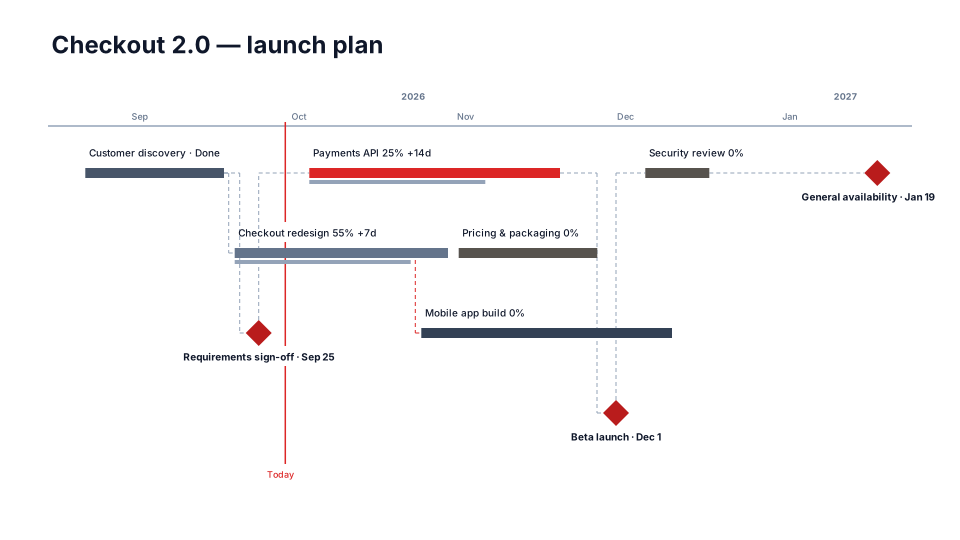
- Turn on Show dependencies in View if you want the links drawn.
Tip: Start here, then try Suggested for you — the previews use your own data.
Best for
Project managers, Everyone.