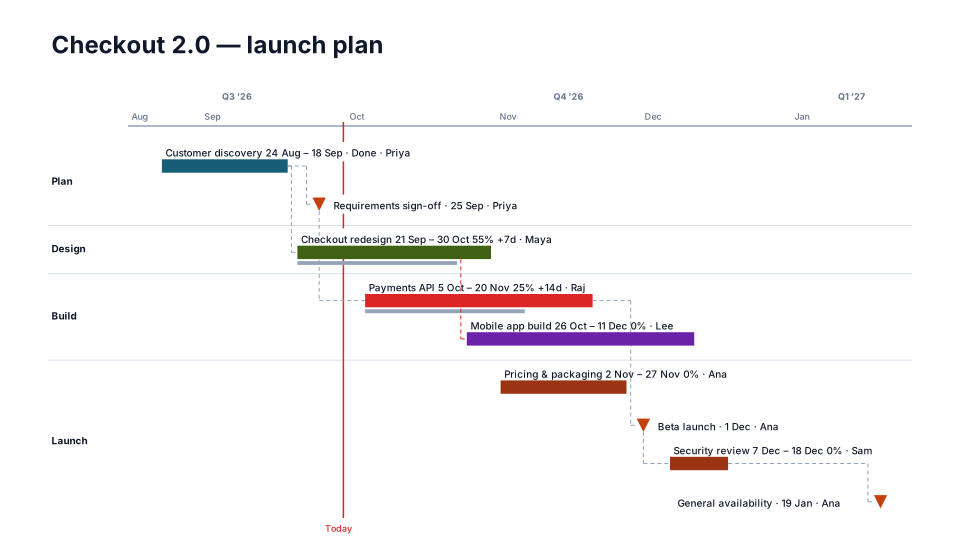
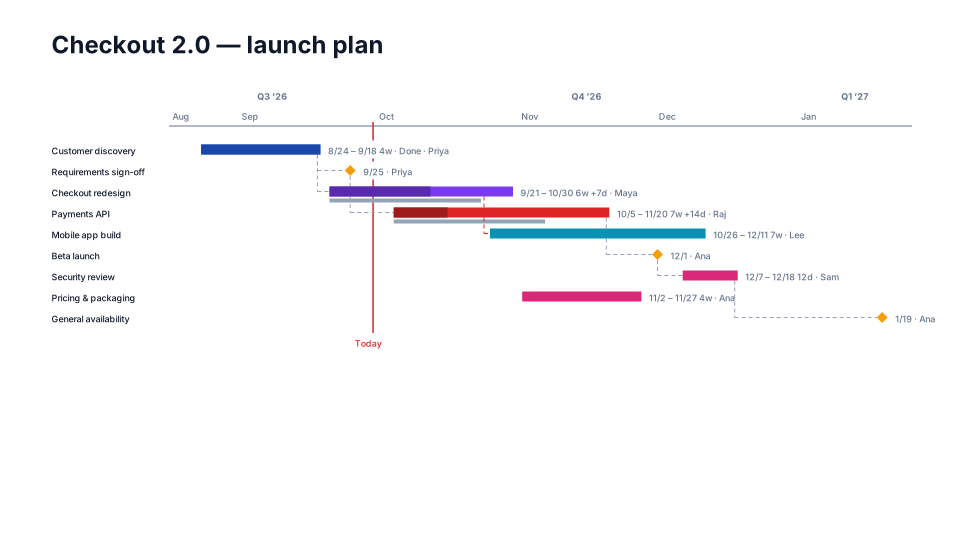
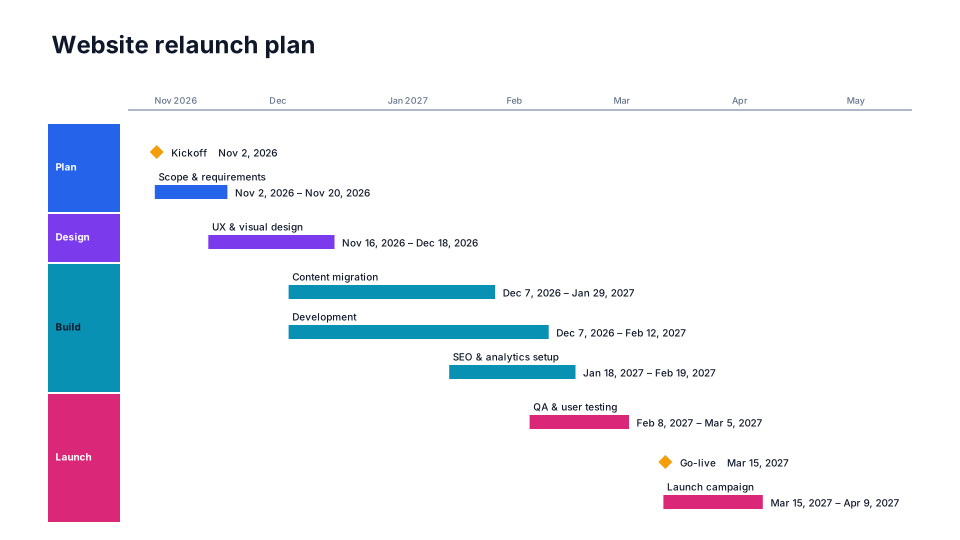
Free timeline maker for PowerPoint
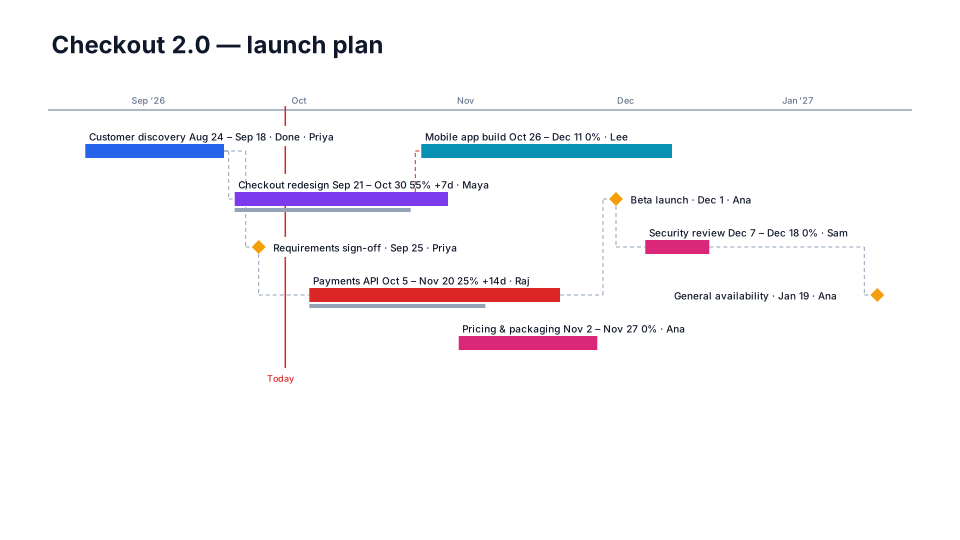
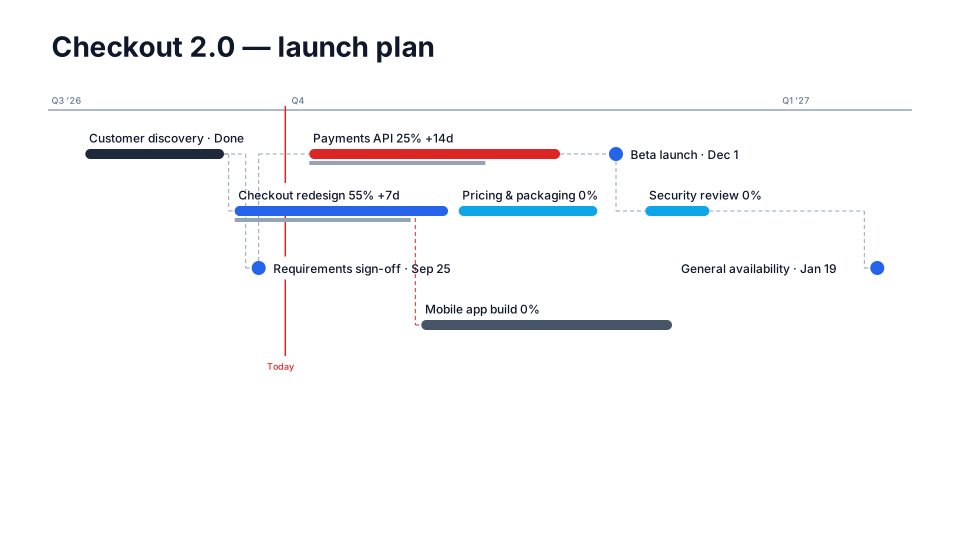
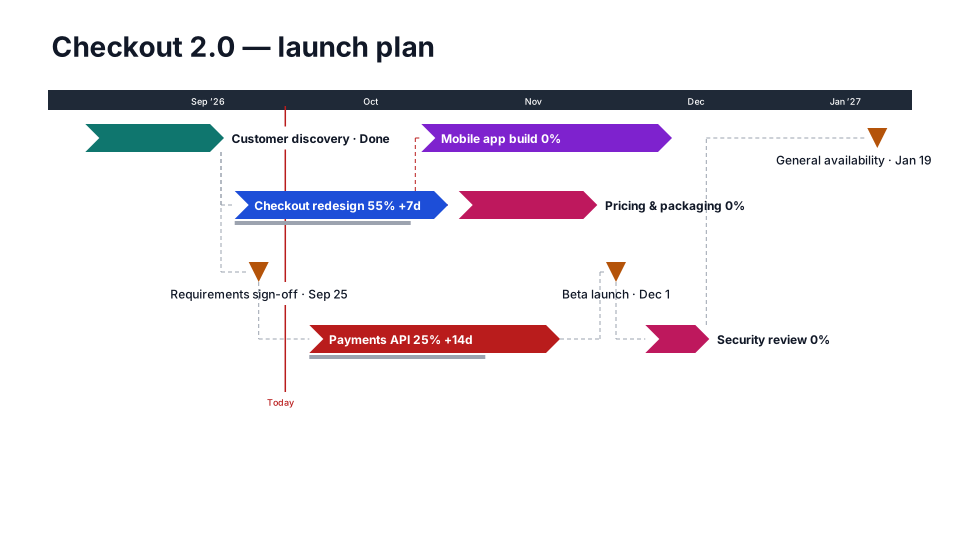
Type or paste your plan, pick a look, and download an editable PowerPoint timeline. It's a free online timeline generator: no sign-up, nothing to install, and your plan never leaves your browser.
Your plan
| Task | Start | End | Lane | MS | Remove |
|---|---|---|---|---|---|
Paste from Excel or upload a file
Want this from messy notes, with updates that keep your edits?
PMO Pilot works inside PowerPoint: paste status notes, an email or an Excel plan, and when dates change it updates the slide without undoing your tweaks. 80 looks and 53 program diagrams.
How to make a timeline for PowerPoint
- Type each task with a start and an end date, or paste the rows from Excel. Tick Milestone (or leave End empty) for a single-date event.
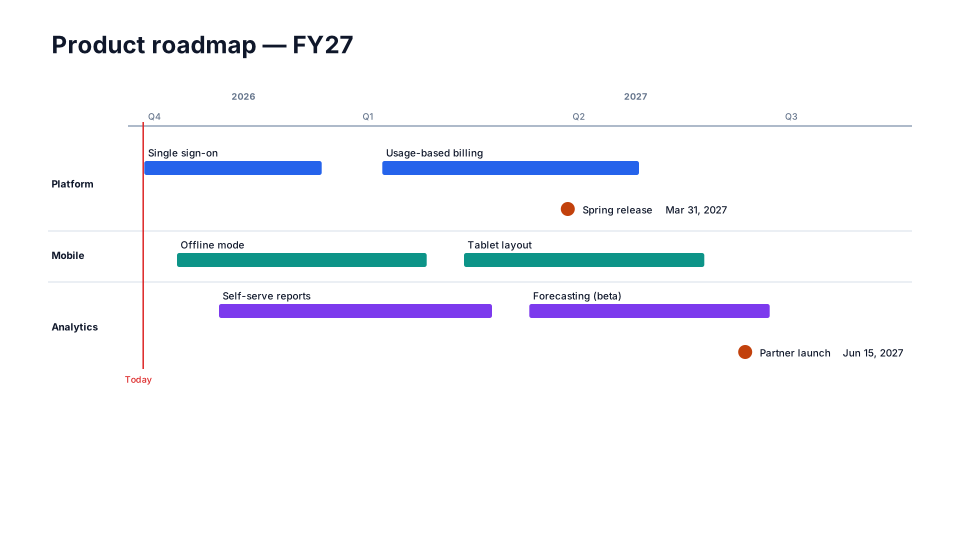
- Give tasks a lane, such as a team, phase or owner, to group the timeline into swimlanes.
- Pick one of the 18 free looks. The preview updates as you type.
- Press Download PowerPoint, open the file and change anything you like: it's all native shapes.
Tip: Leadership slides read best with 6–12 items. Put the detail in a Gantt chart and keep the timeline to phases and milestones.
Questions
Is this timeline maker really free?
Yes. Make as many timelines as you like and download each one as a PowerPoint file. There's no sign-up and no watermark across the slide, just one small “Made with PMO Pilot” text box in the corner that you can delete.
Do you see or store my plan?
No. The maker runs entirely in your browser. What you type, paste or upload is never sent to a server, and nothing is stored after you close the page.
Can I edit the timeline in PowerPoint?
Yes. Every bar, milestone, label and line is a native PowerPoint shape, not a picture, so you can change text, colors, fonts and positions like anything else on a slide.
Can I import my plan from Excel?
Yes. Copy the rows from Excel, header row included, and paste them, or upload a .csv or .xlsx file. Columns are matched by name: Task, Start and End, plus Workstream, Phase or Owner for the lanes. A row with one date becomes a milestone.
Is this an AI timeline generator?
The free maker doesn't use AI: you type or paste the dates. The PMO Pilot add-in for PowerPoint does. Paste status notes, an email or a meeting transcript and it finds the tasks, dates and owners, then shows them for review before anything is drawn.
How is this different from the PMO Pilot add-in?
The maker turns a table into a one-off slide. The add-in works inside PowerPoint: it reads messy notes, has 80 timeline looks and 53 program diagrams, and when dates change it updates the slide while keeping the edits you made by hand. The add-in has a free plan too.
Does the file work in Google Slides or Keynote?
It's a standard .pptx file, so it also opens in Keynote, Google Slides and LibreOffice Impress. A few shape styles can look slightly different outside PowerPoint.
Free PowerPoint timeline templates
Every one is a free, editable .pptx download, with a short guide on when to use it. All 133 templates.