Change Canvas template for PowerPoint
The case for change on one page: why, what changes, who is affected, how they'll be supported and how success is measured.
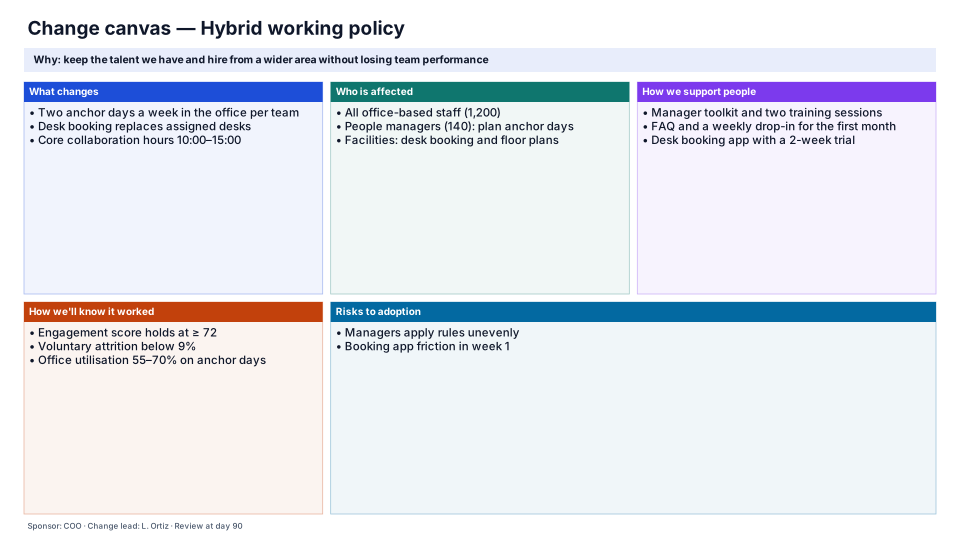
Download (.pptx, 14 KB) Fill it from your notes in PowerPoint
The download is the slide above, made of native PowerPoint shapes you can edit. No sign-up. PMO Pilot, the PowerPoint add-in, fills it from your notes and is free to install.
When to use it
Explaining a change on one page to sponsors, managers and staff.
How to make it in PMO Pilot
- Write the reason for the change in the Focus line.
- Fill what changes, who is affected and how people will be supported.
- Agree two or three measures that show it worked.
Best for
Change managers, Transformation leads, Sponsors.
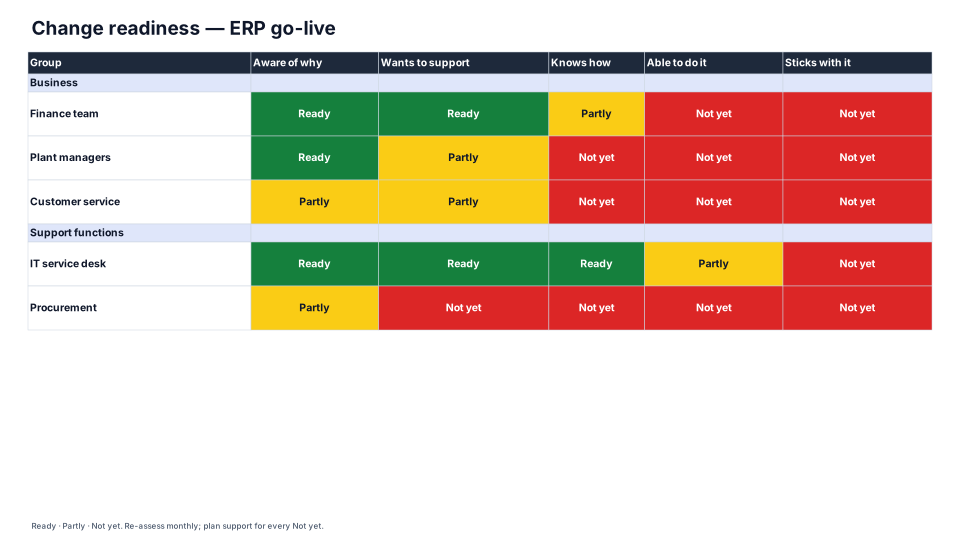
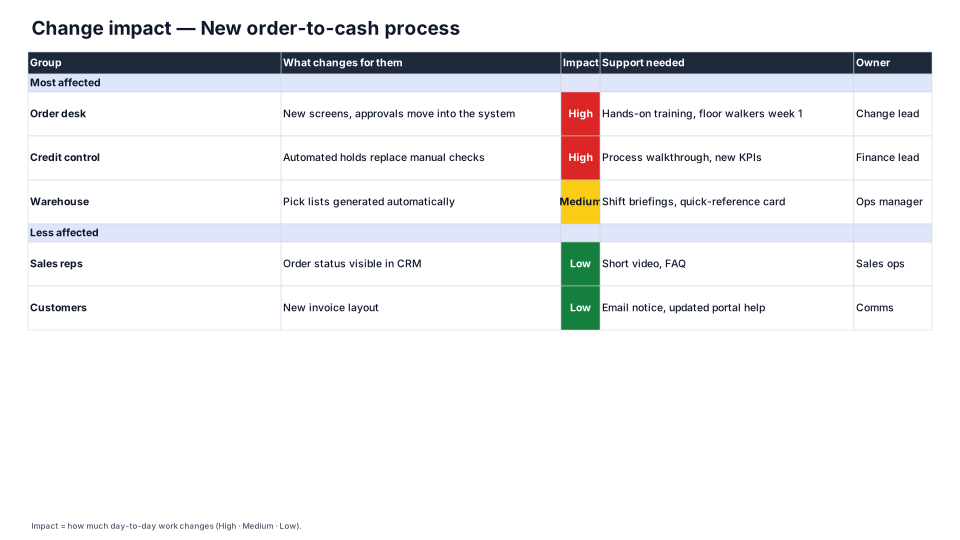
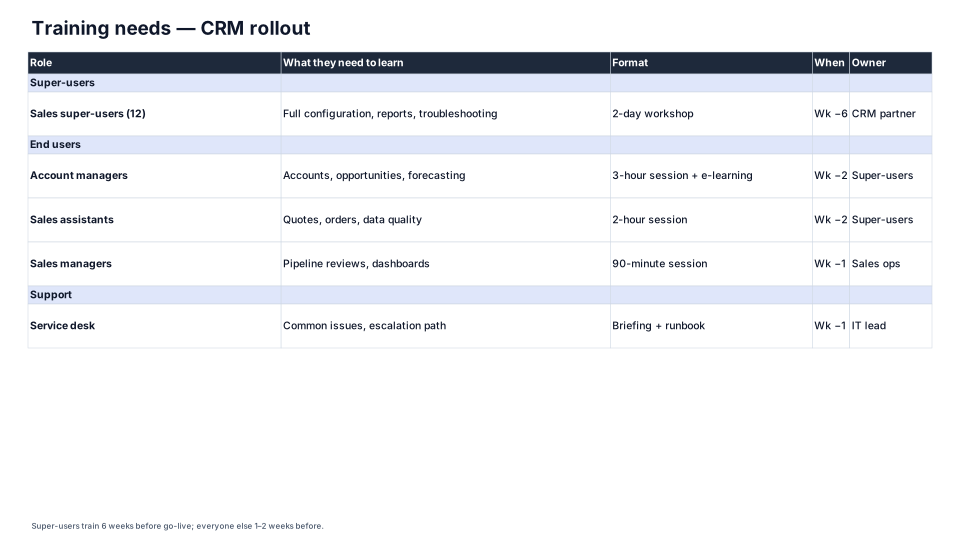
More Change management templates
All 53 program diagrams, each a free .pptx download.