Retrospective template for PowerPoint (Start / Stop / Continue)
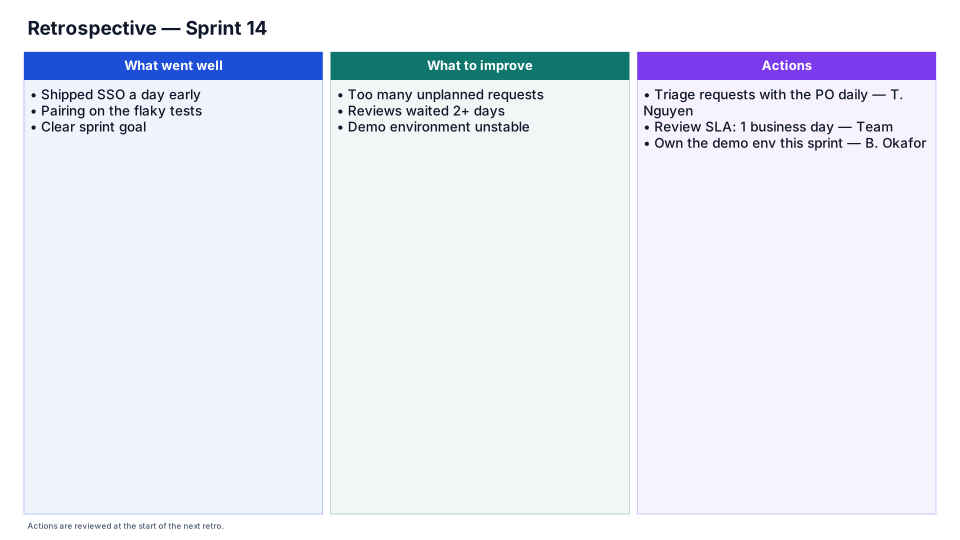
What went well, what to improve, and actions with owners.
Download (.pptx, 13 KB) Fill it from your notes in PowerPoint
The download is the slide above, made of native PowerPoint shapes you can edit. No sign-up. PMO Pilot, the PowerPoint add-in, fills it from your notes and is free to install.
When to use it
A team retrospective: start, stop, continue.
How to make it in PMO Pilot
- Collect notes under What went well and What to improve.
- Vote on the top items.
- Write each as an action with an owner in Actions.
Best for
Agile teams, Core teams, Program managers.
More Agile & delivery templates
Part of Agile and PI planning templates, with a guide to which one fits which meeting. All 53 program diagrams, each a free .pptx download.