
Pick by how far you're zoomed in
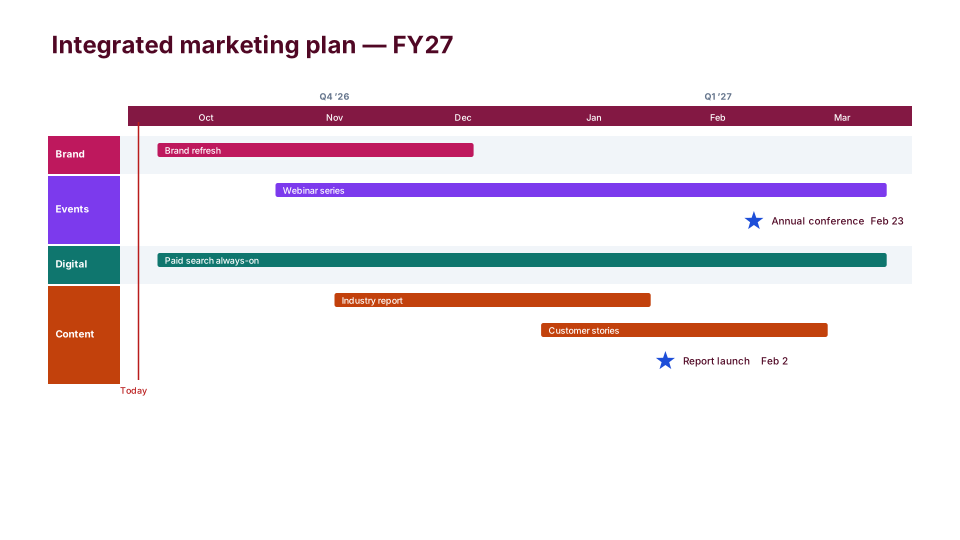
- The year: Marketing Plan shows programs by channel (brand, events, digital, content) across the fiscal year, with launches and events as stars. It's the slide for annual planning and budget reviews.
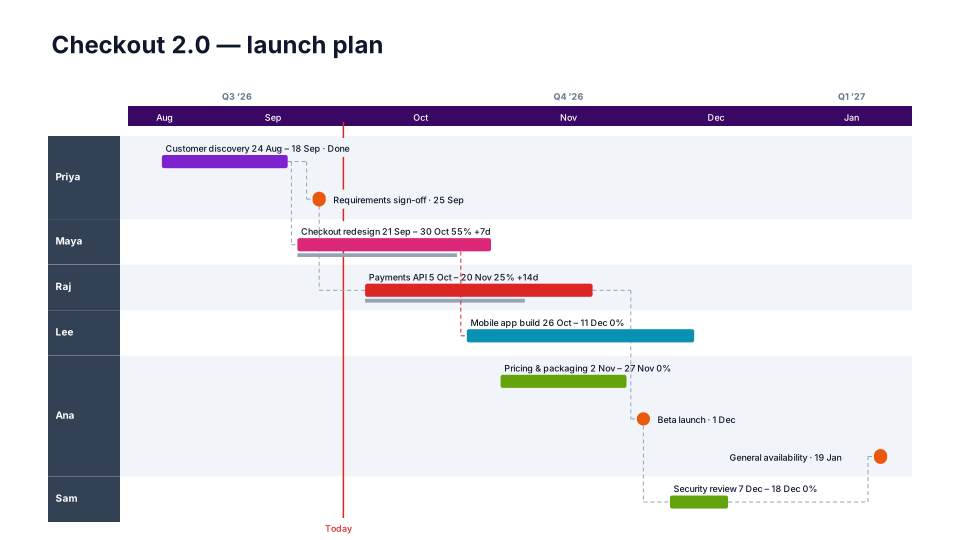
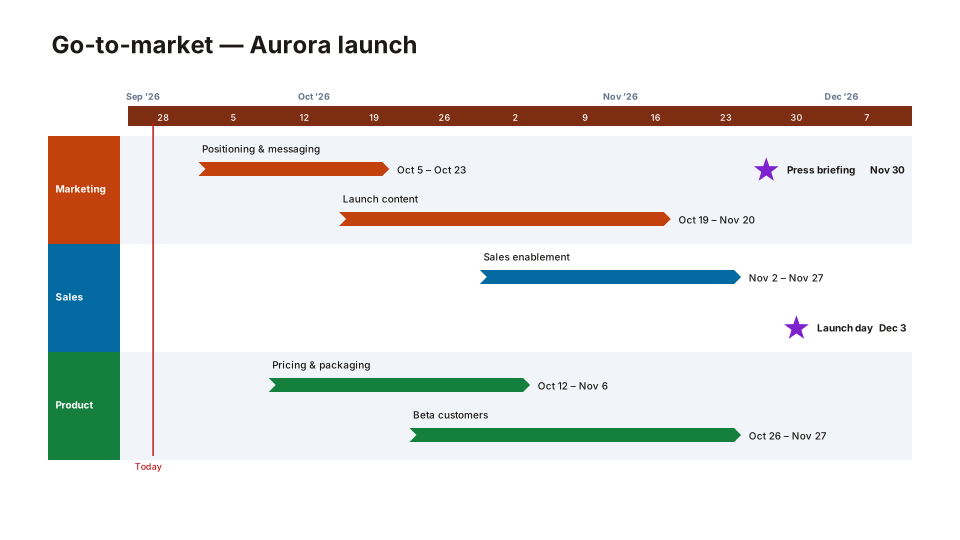
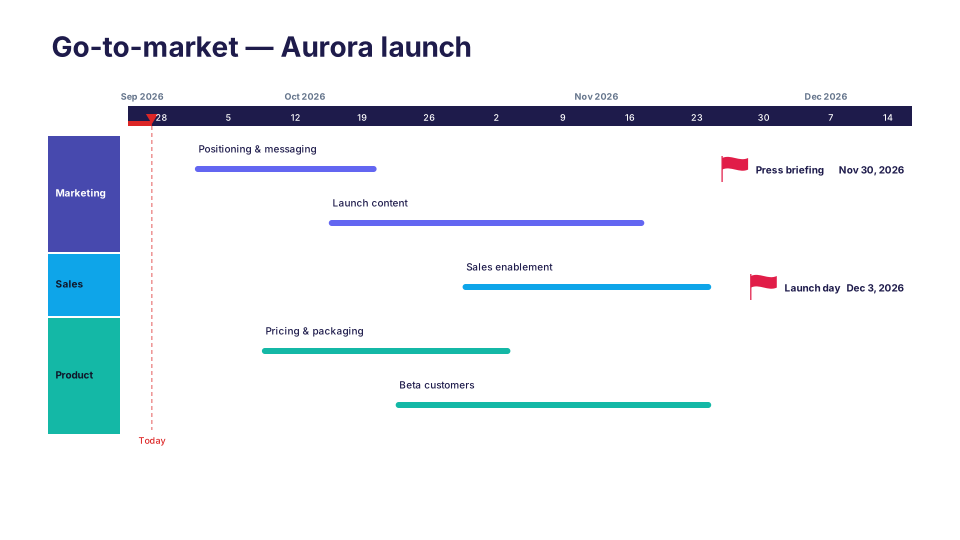
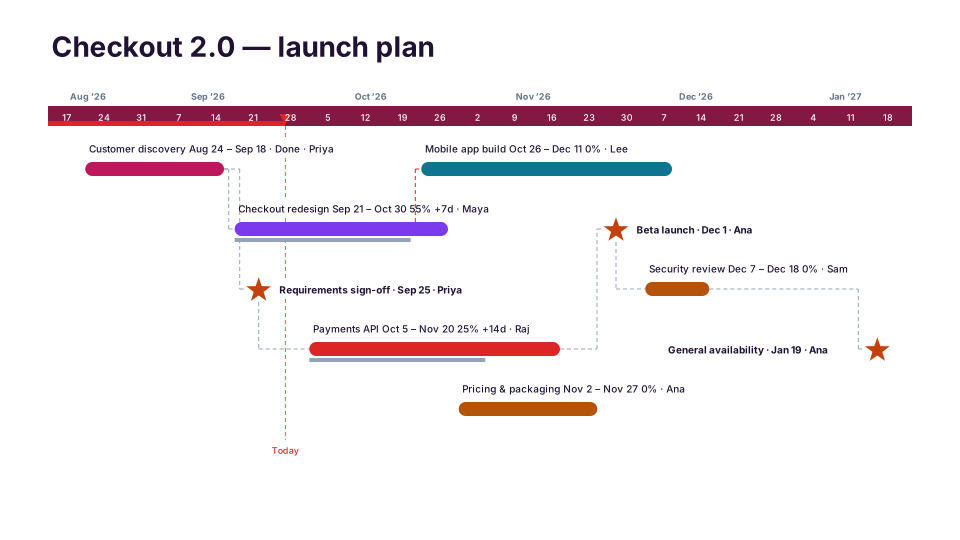
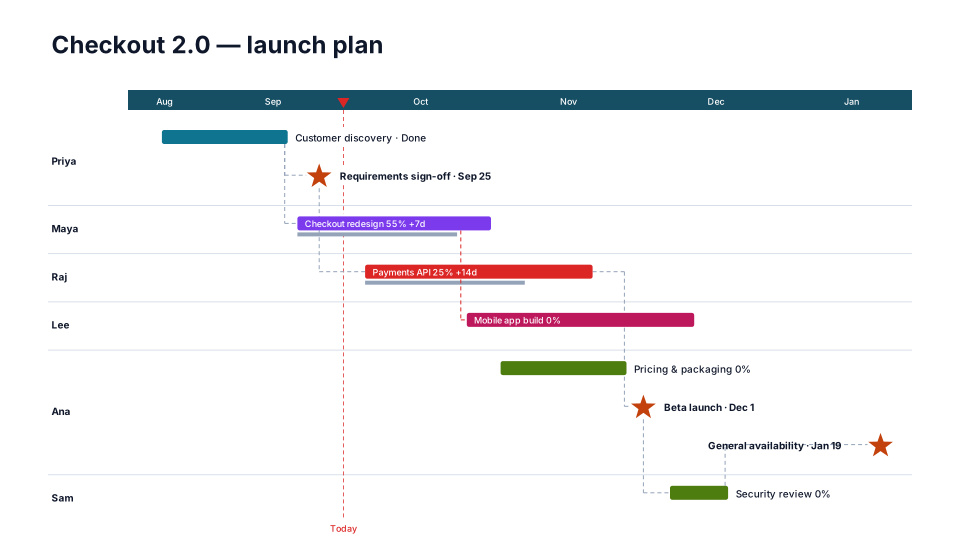
- One launch or campaign: Go-to-Market Plan puts marketing, sales and product lanes on a week scale. Campaign Calendar, which is free, does the same with a lane per owner and full dates on every bar. Product Launch and Launch Countdown count down to the day, with the elapsed time shaded.
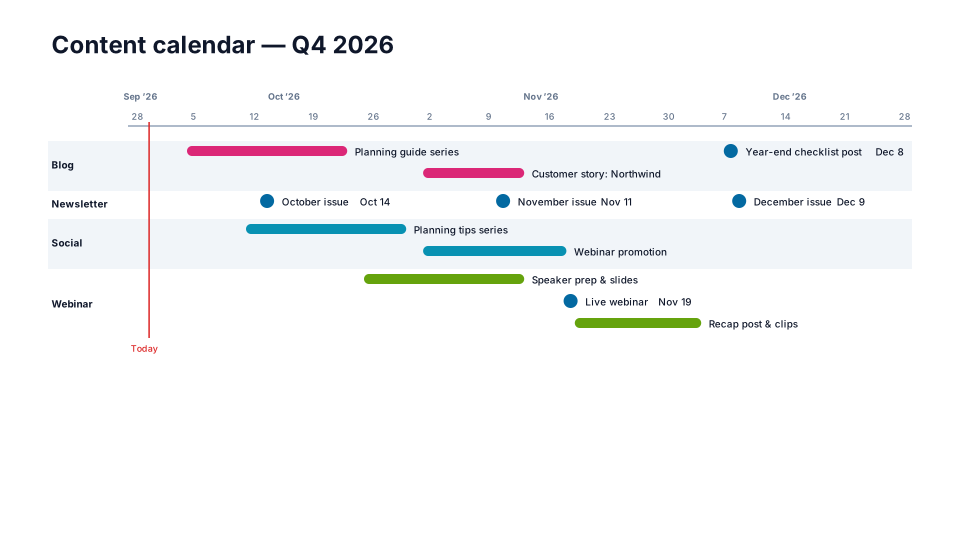
- Week by week: Content Calendar gives each channel a lane, series and campaigns slim bars, and every publish date a dot.
- Events: Event Plan counts down to the event day with a lane per owner: venue, speakers, registration and sponsors.
What goes on the slide, and what stays in your tools
A slide is for alignment: what's happening, in which channel, by when, and which dates other teams depend on, such as launch day, a webinar or a press briefing. Individual posts, ad flights, briefs and approval status stay in your editorial calendar or marketing tool. If a leader can't read the slide in the first minute of the meeting, it has too many items; Split by workstream (Style → Rows & spacing) gives each channel its own slide on the same timescale.
From your planning spreadsheet
Export the plan to Excel or CSV with a name, a start date, an end date and a channel column, and upload it in PMO Pilot's Create tab: channels become lanes, and a row with only one date becomes a milestone. Quarters follow your fiscal year once you set Fiscal year starts under Style → Timescale & dates, and fiscal years can be numbered by the year they end (FY27 for July 2026 to June 2027) or the year they start.