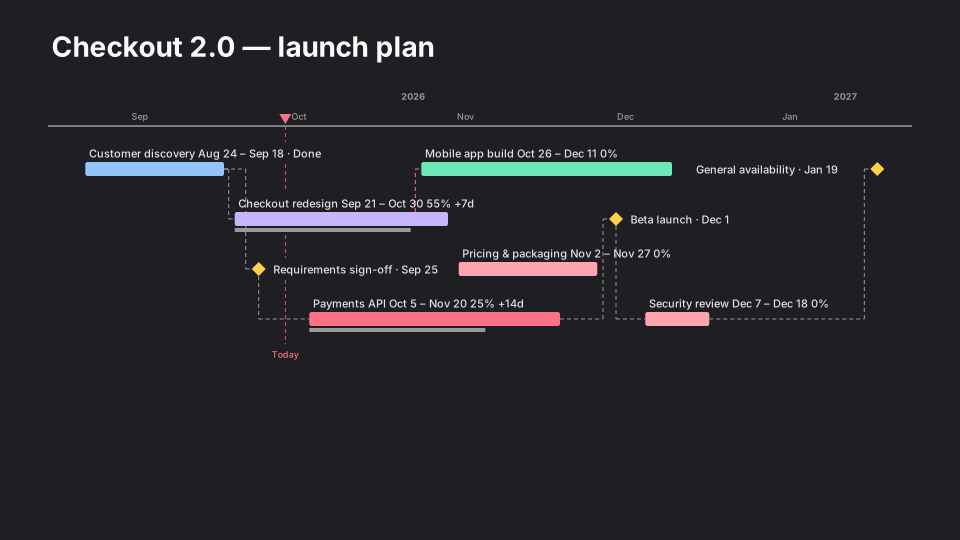
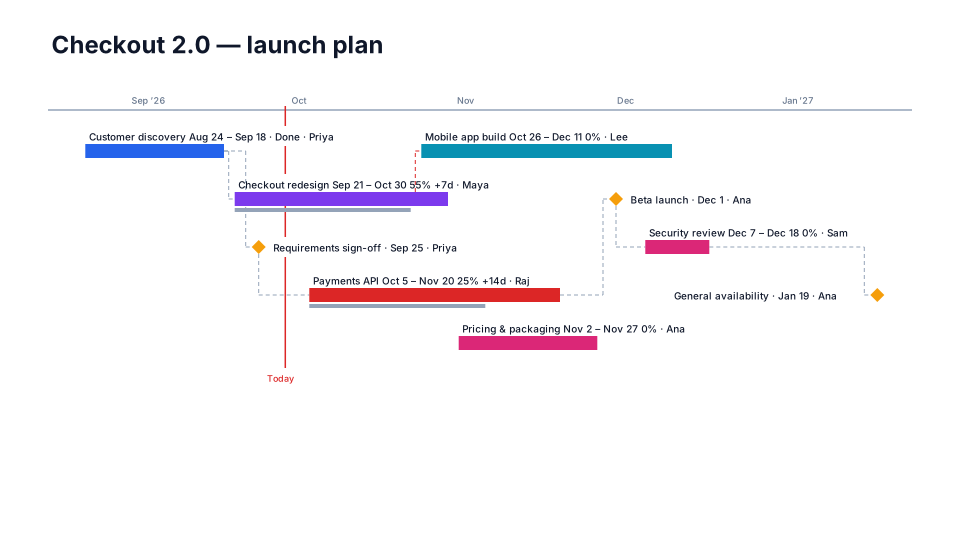
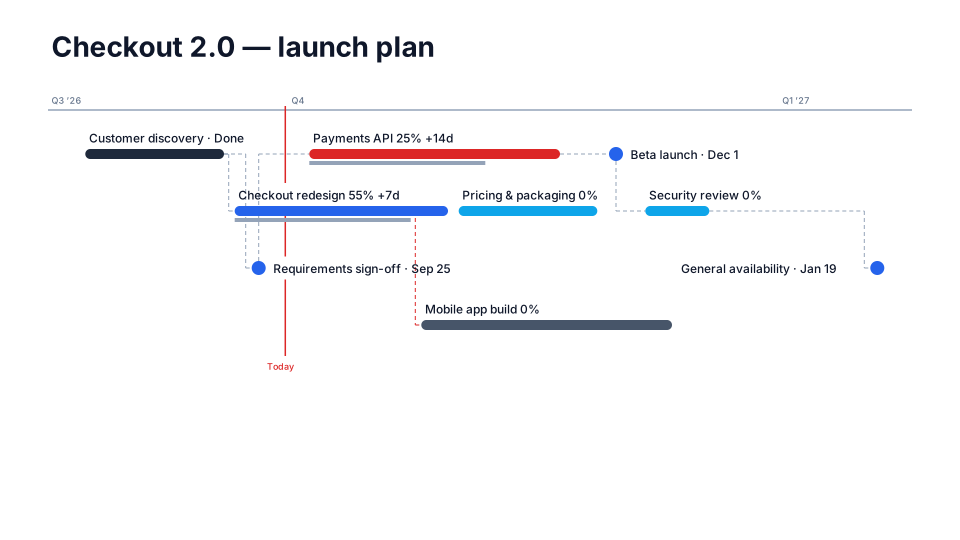
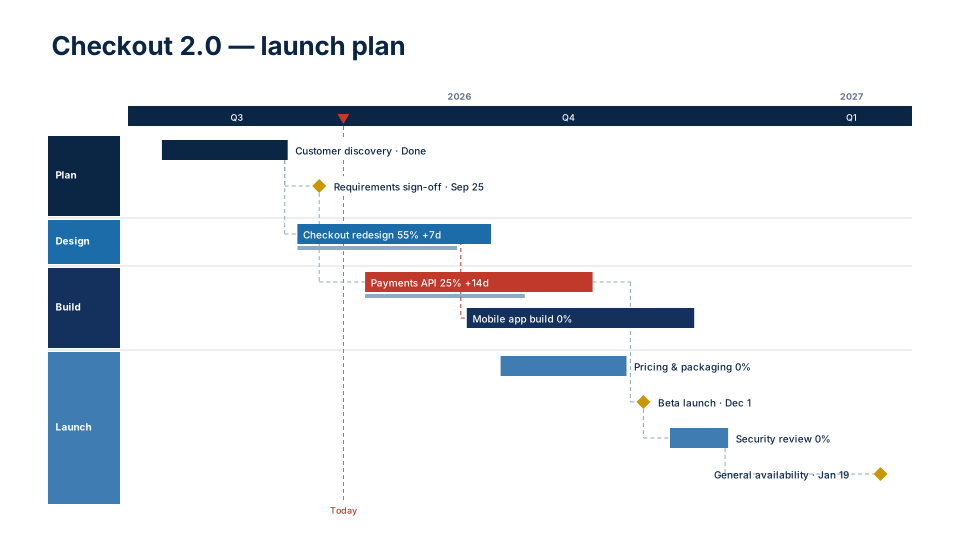
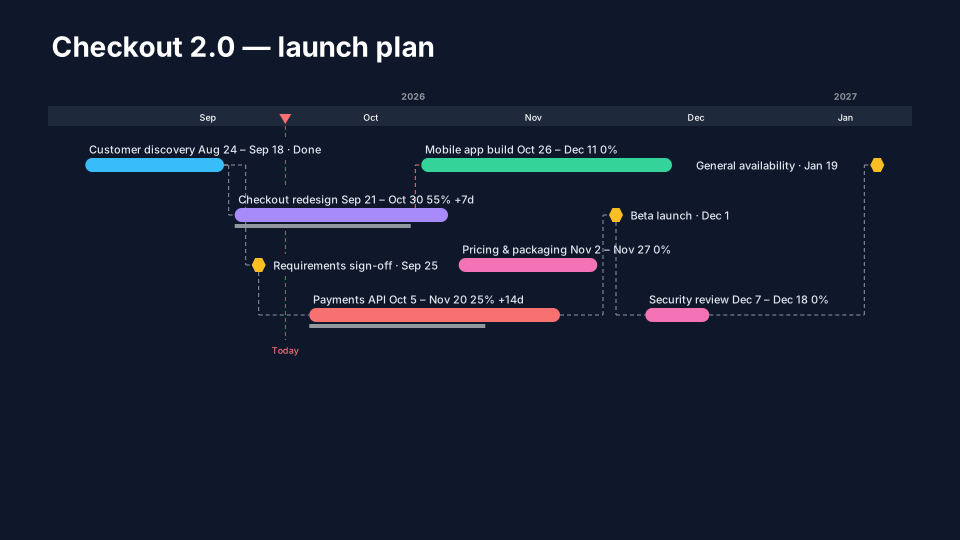
Midnight timeline for PowerPoint
Dark slide, bright accents. For keynotes and dark decks.
When to use it
Keynotes, all-hands and dark decks.
How to use it in PMO Pilot
- Pick Midnight — the slide background turns dark.
- Keep labels short; bright accents carry the eye.
- If your deck is light, stay with a light look instead.
Best for
Keynotes, All-hands.