
Cutover Plan template for PowerPoint
Every cutover activity on its own row with dates and durations, go / no-go and go-live marked.
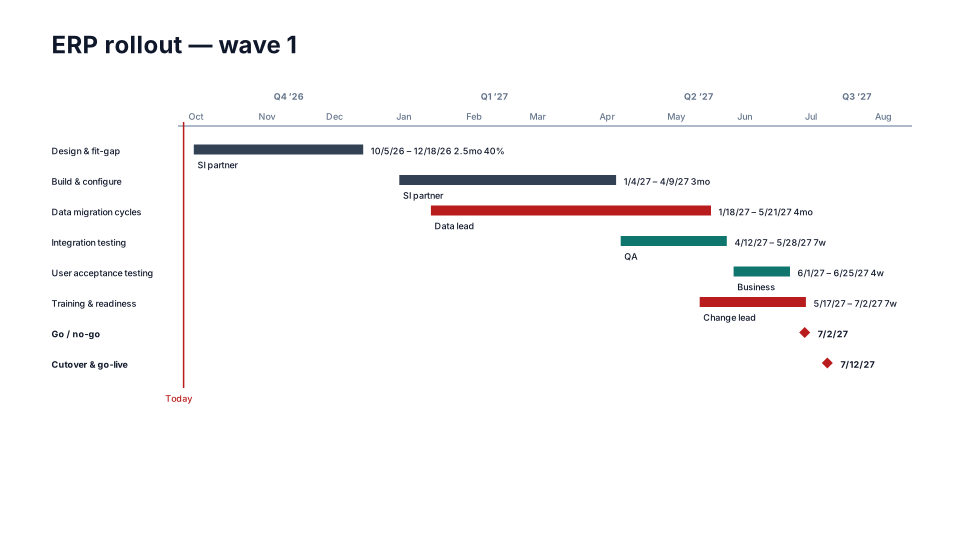
Download (.pptx, 14 KB) Fill it from your notes in PowerPoint
The download is the slide above, made of native PowerPoint shapes you can edit. No sign-up. To draw it from your own dates in the browser, use the free timeline maker. PMO Pilot, the PowerPoint add-in, fills it from notes or a spreadsheet and is free to install.
When to use it
Go-live cutovers where every activity, owner and duration has to be visible.
How to make it in PMO Pilot
- Import the cutover runbook from Excel (Task, Start, End, Owner).
- Pick Cutover Plan — one activity per row with a name column, owners and durations.
- Add go / no-go and go-live as milestones; split across slides past ~25 rows.
Best for
Cutover managers, Release managers, IT operations.
Bring your data from…
- ExcelExcel to PowerPoint timeline
- Microsoft ProjectMS Project to PowerPoint Gantt chart in a few minutes
- JiraJira to PowerPoint roadmap
- SmartsheetSmartsheet to PowerPoint timeline with baselines and dependencies
- AsanaAsana to PowerPoint timeline
Column names are matched as each tool exports them: no mapping step.
More IT & transformation templates
Part of Implementation plan templates, with a guide to which one fits which meeting. All 80 timeline looks, each a free .pptx download.
- Free
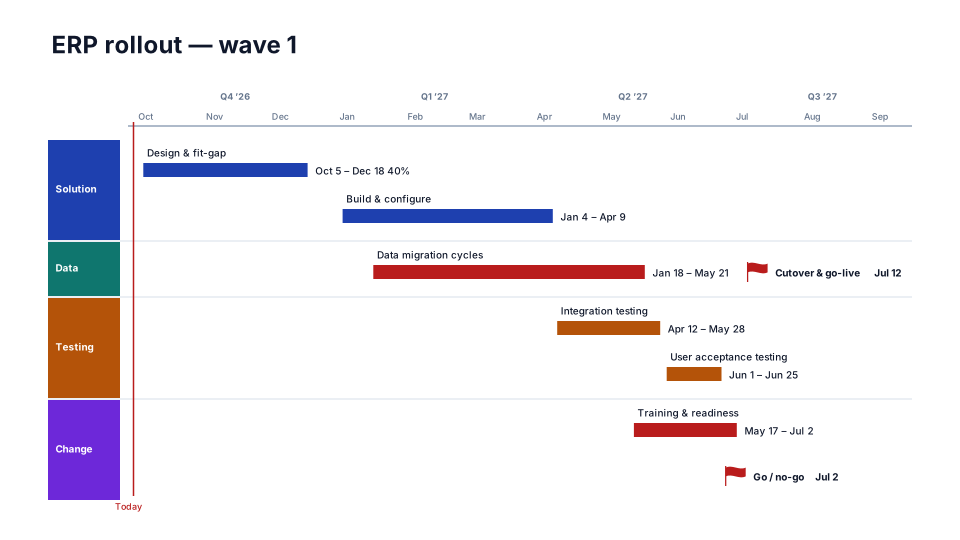
ERP Rollout
IT & transformation 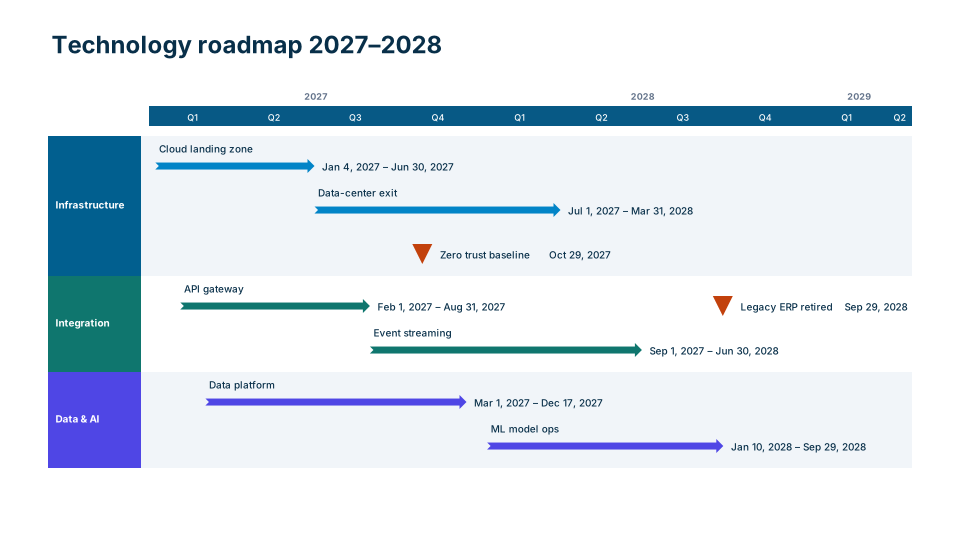
Cloud Migration
IT & transformation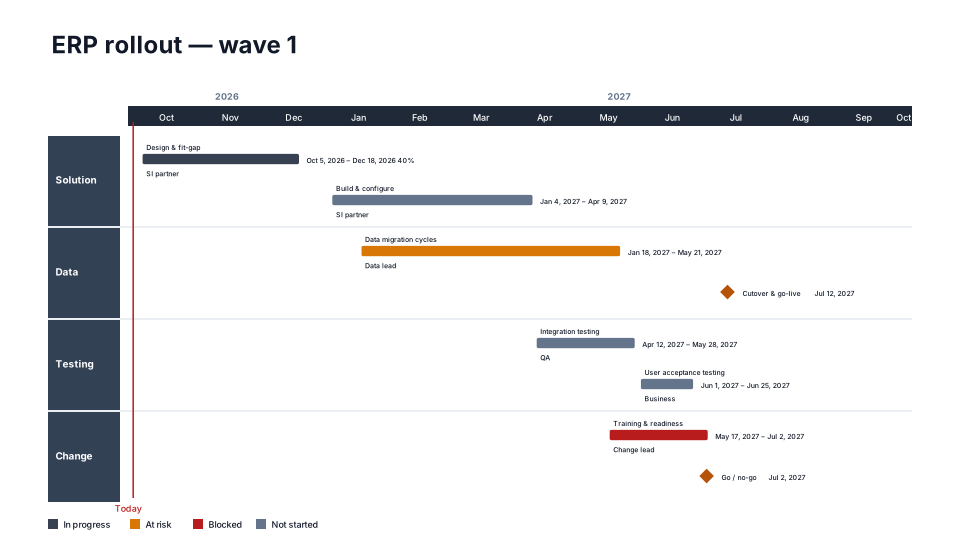
Transformation Program
IT & transformation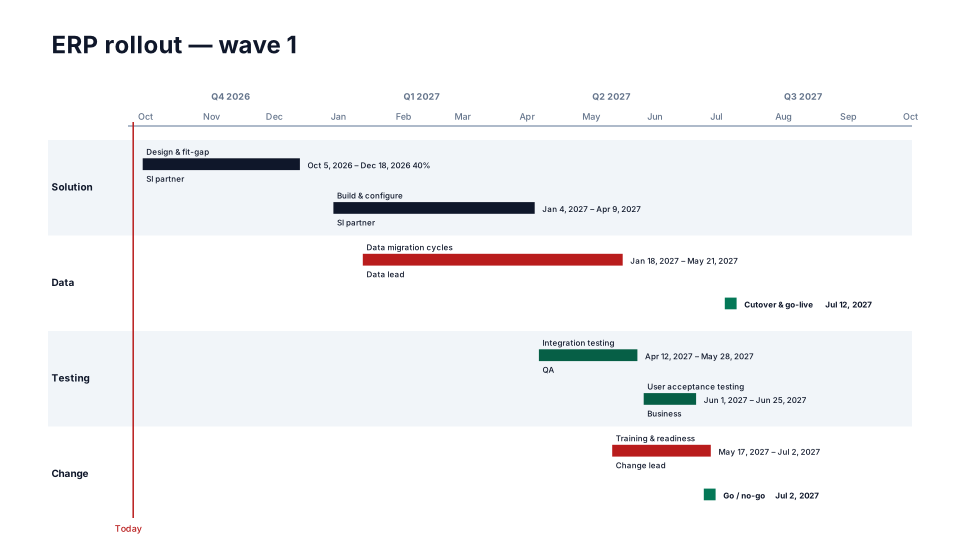
Security & Compliance
IT & transformation
From the blog
How to make a Gantt chart in PowerPoint (and keep it in sync)
Three ways to build a Gantt chart in PowerPoint by hand, a table, a stacked bar chart or shapes, what each can and cannot show, and how to keep it in…
How to make a timeline in PowerPoint (and keep it current)
Three ways to build a project timeline in PowerPoint, SmartArt, shapes and a table, step by step, plus where each breaks once the dates start moving.
How to present a schedule slip to a steering committee
A project manager's method for showing a schedule slip to executives: one slide, the old date next to the new one, the cause, the options and the…