
Delivery Tracker template for PowerPoint
Progress fill inside every bar, elapsed time shaded, status colors.
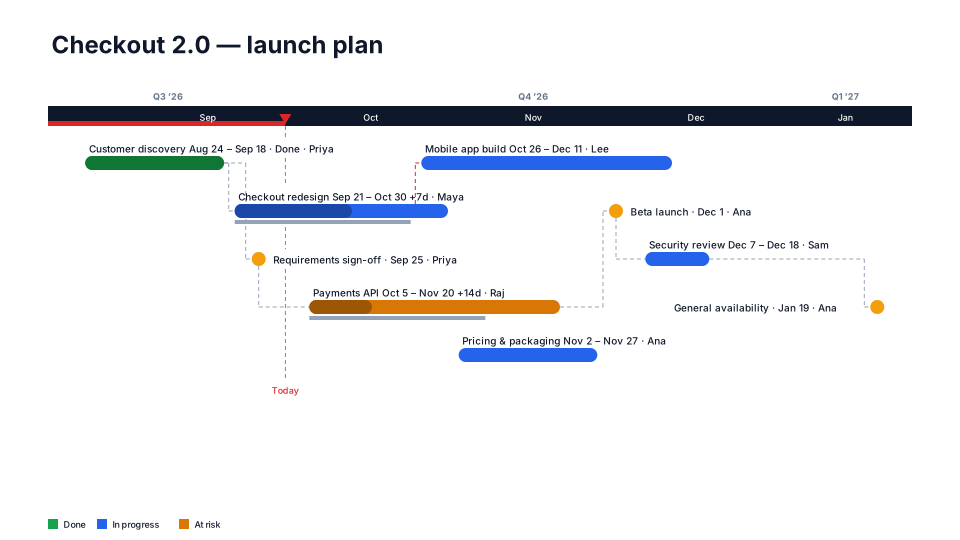
Download (.pptx, 14 KB) Fill it from your notes in PowerPoint
The download is the slide above, made of native PowerPoint shapes you can edit. No sign-up. To draw it from your own dates in the browser, use the free timeline maker. PMO Pilot, the PowerPoint add-in, fills it from notes or a spreadsheet and is free to install.
When to use it
Delivery managers reporting progress across many items.
How to make it in PMO Pilot
- Include % Complete and Status for each item.
- Pick Delivery Tracker — progress fills every bar.
- Keep Shade elapsed time on to compare progress with time spent.
Best for
Delivery managers, Engineering directors.
Bring your data from…
- ExcelExcel to PowerPoint timeline
- Microsoft ProjectMS Project to PowerPoint Gantt chart in a few minutes
- JiraJira to PowerPoint roadmap
- SmartsheetSmartsheet to PowerPoint timeline with baselines and dependencies
- AsanaAsana to PowerPoint timeline
Column names are matched as each tool exports them: no mapping step.
More Agile & delivery templates
All 80 timeline looks, each a free .pptx download.
- Free
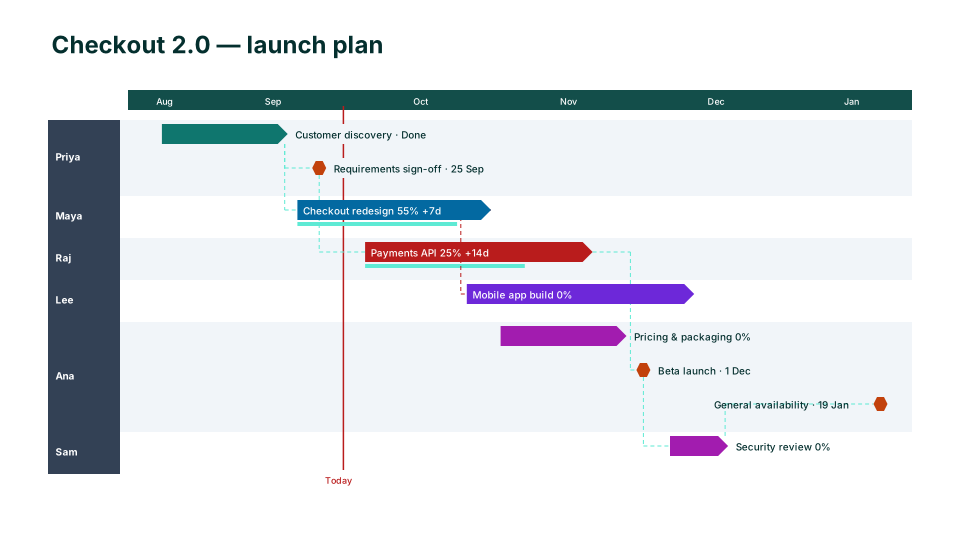
Agile Sprints
Agile & delivery 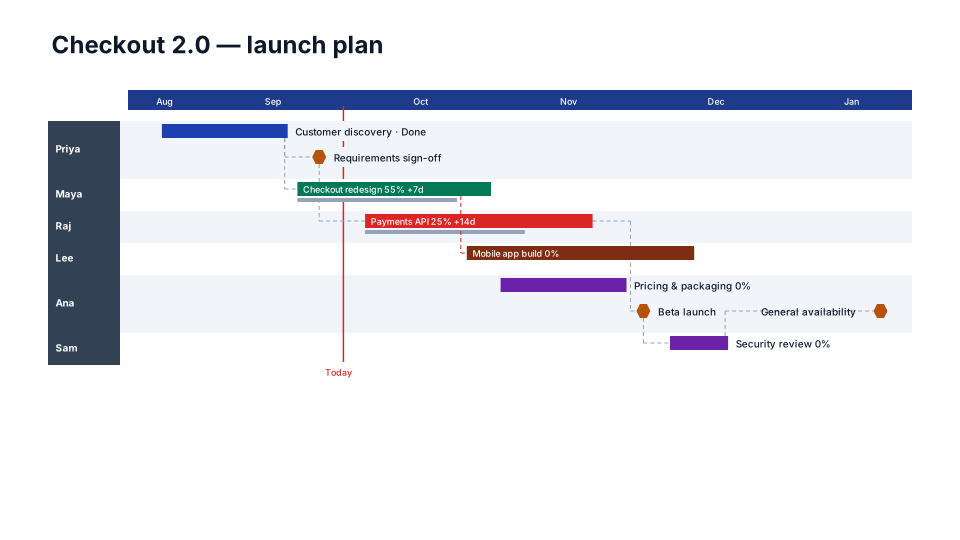
PI Planning (SAFe)
Agile & delivery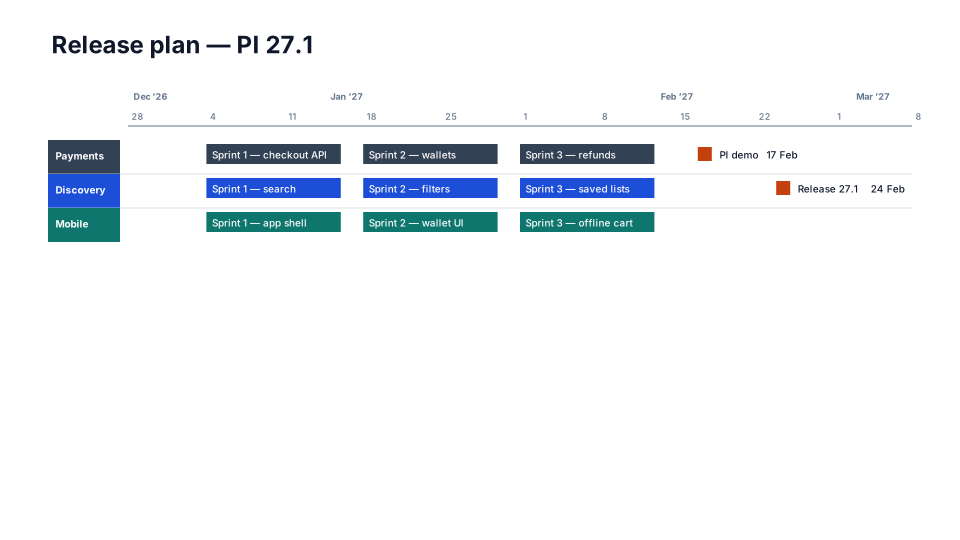
Sprint Calendar
Agile & delivery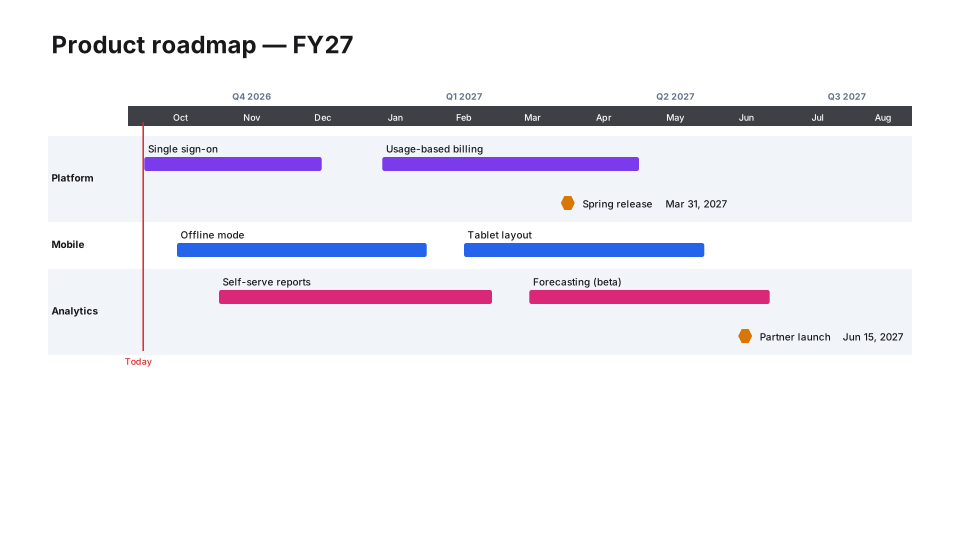
Epic Roadmap
Agile & delivery
From the blog
How to make a Gantt chart in PowerPoint (and keep it in sync)
Three ways to build a Gantt chart in PowerPoint by hand, a table, a stacked bar chart or shapes, what each can and cannot show, and how to keep it in…
How to make a timeline in PowerPoint (and keep it current)
Three ways to build a project timeline in PowerPoint, SmartArt, shapes and a table, step by step, plus where each breaks once the dates start moving.
How to present a schedule slip to a steering committee
A project manager's method for showing a schedule slip to executives: one slide, the old date next to the new one, the cause, the options and the…